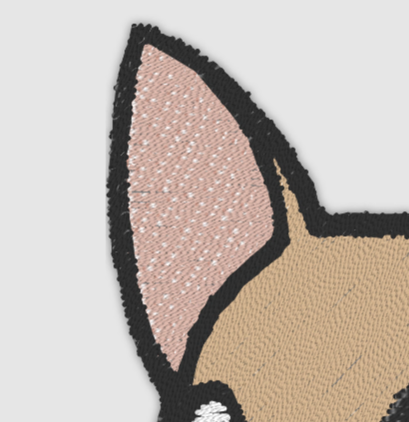
Image Server includes a powerful embroidery visualization, capable of both previewing an existing design as well as displaying a mockup visualization, for example, when a brand new logo is uploaded and is not digitized yet.
Rendering existing designs
Image Server supports visualizing embroidery files in DST format. The files used for rendering must be uploaded to the customer’s storage area.
DST files do not natively contain information about thread colors, and only maintain a list of thread stop instructions. As result, in order to display a stitch file, a list of thread colors must be provided separately.
When visualizing an embroidery file:
-
Start a new layer
-
Provide a reference to a DST file using src command
-
Provide thread rendering parameters using thrd command
-
Provide a list of thread colors using a number of v commands
Omit the file extension when using the src command.
For example:
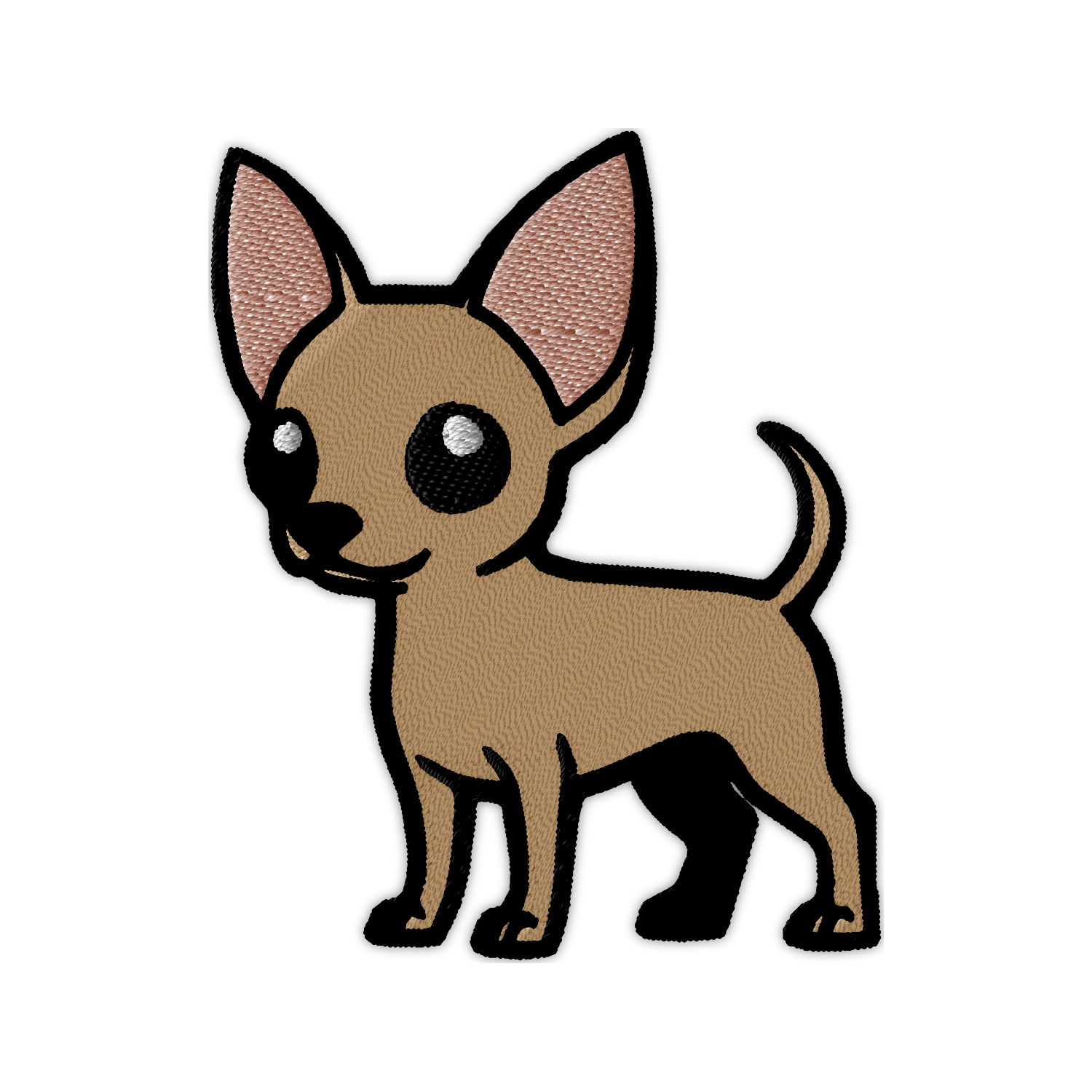
In this example:
-
We create a base layer first with a white background
-
Render a source stitch file using
src=chihuahuareference -
Provide some stitching rendering parameters
-
And provide a list thread colors.
Thread command parameters
Thread rendering aspects are configured using thrd command.
Embroidery dimensions
Embroidery files typically provide stitching instructions using physical coordinates, for example, in millimeters or fractions of thereof. Since the image rendering happens in pixels, a mapping between the physical and pixel dimensions would be needed. The mapping is done by providing an embroidery DPI (dots-per-inch) using d sub-parameter: thrd=d:300.
If no layer-specific DPI is provided, an overall document DPI would be used instead. The document DPI is configured using a global dpi option (see Global options)
Thread width
Thread width can be configured using w and providing a value directly in pixels (thrd=w:8), or using mw (metric width) and providing a value of thread width in millimeters. Physical dimensions will be converted to pixels according to the layer DPI.
Thread colors
Thread colors are provided using a repeated v command, one for each thread stop. If not enough colors are provided for all thread stops, the last known thread color will be used instead.
For example: v=ffffff&v=000000&v=ff0000, which configures three thread colors, white, black, and red respectively.
Shading
In order to simulate the three dimensional appearance of embroidery, the image server can be instructed to apply a gradient and/or shadowing effects.
Gradient shading subtly dims the brightness at the end of the stitch. Gradient parameter g can accept a value between 0 and 1, where:
-
0indicates no effect applied -
1indicates that the full shading needs to be applied.
Shadow effects display a subtle shadow around the embroidery, simulating material gathering when stitches a made by an embroidery machine.
Shadow parameters are configured using s, sw, and sc parameters:
-
sparameters can be 0 or 1, which disables or enables shadow effect. -
swparameter indicates shadow radius in pixels -
scparameter provides shadow color. If not shadow color provided explicitly, black color will be used by default.
Imperfections
Real-life embroidery may have tolerances that affect the overall look of the design. For example, the stitch positioning can be affected by fabric and precision of an embroidery machine. Alternatively, the threads may have inconsistent width, for example, cotton thread may vary in width by 5% of more.
Imperfections can be configured using ip (or it’s metric equivalent, mip) and iw (metric alternative: miw) commands to provide position and thread width inconsistencies respectively.
Position variability can be specified in pixels, or millimeters. For example:
No positional variation applied:
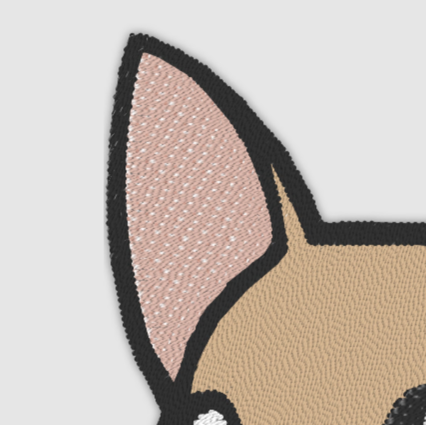
Minor positional imperfection applied: