
Because clients bring a diverse range of assets (images, fonts, 3D models, etc.), our Configurator does not include built-in fonts. Instead, each client must secure the appropriate rights to any assets used within the tool. This ensures you (the client) have legal permission to use those assets for creating personalized products or other content.
Why you must supply your own fonts
By requiring you to provide your own font licenses, we ensure that any usage of those fonts in the Configurator fully complies with applicable intellectual property laws. In other words, you are responsible for obtaining the correct license from the font’s owner or vendor, whether it be a commercial type foundry or an open-source resource.
Types of font licenses
When integrating fonts into the Configurator, you’ll typically encounter one or both of these license types:
Server (or embedding) license.
This license permits installing a font on a server so that personalized content can be generated on demand. For instance, you can create PDF invoices, custom business cards, or other user-personalized items directly from your server.
-
Fonts licensed under server or embedding terms must remain on the server. End users should not be able to download or redistribute the font files themselves.
-
Licensing Models: Some foundries charge based on the number of servers, CPU cores, or processor counts.
Webfont license
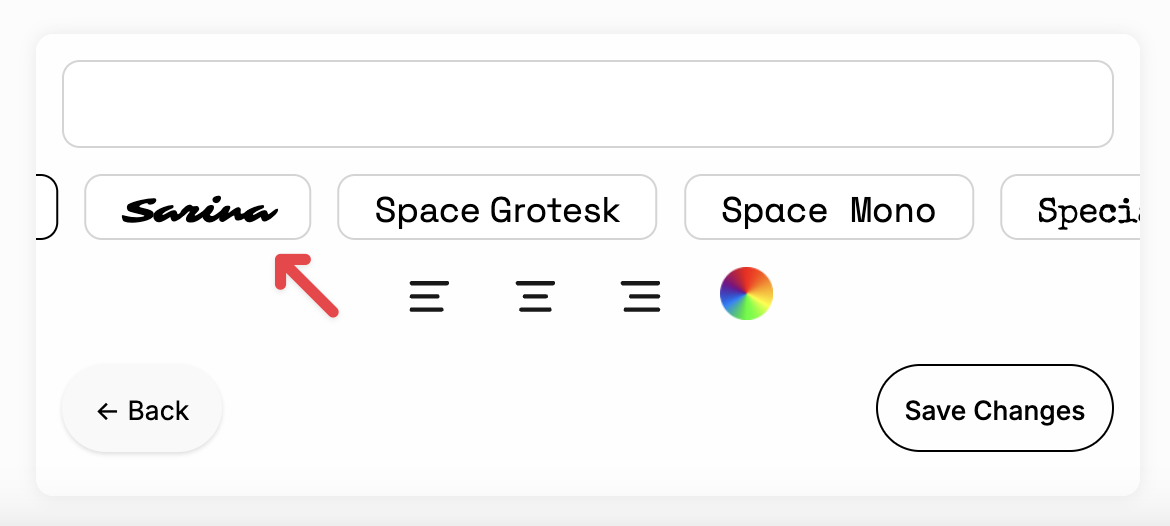
Webfont licenses cover fonts that are embedded in a website, enabling text previews or live editing in the browser. If you want customers to see and type with the exact font that will be used in the final product in the personalization UI, you typically need a webfont license to render the font in their browser.
Commercial type foundries
Most commercial type foundries (e.g., Fonts.com, MyFonts, etc.) offer server licensing options. However, it’s crucial to check the specific terms:
-
Server Installation: They may allow server installation for generating personalized products but prohibit distributing the font to end users.
-
CPU/Core/Server Counts: Licensing could be determined by the number of servers or CPU cores used to render your personalized products.
Always review the foundry’s terms or speak with them directly if you’re unsure about the correct license tier. Additionally please work with the Drive Commerce Implementation Team to determine the necessary amount of licenses.
Open-Source Fonts
If you prefer using open-source fonts, many are available under licenses like the SIL Open Font License (OFL) (common in the Google Fonts library). These licenses often allow:
-
Unrestricted Server Usage: You can host the font files on your servers for dynamic generation of images or text.
-
Redistribution: Some open licenses permit wider distribution, though the specifics vary. Always read the exact license text to be sure.
Summary
-
Obtain Proper Licensing: Before adding any font to your Configurator, ensure you have the correct server/embedding or webfont license that allows the intended usage.
-
Confirm Scope of Use: Double-check whether you can host the font on your server and whether the license covers all potential points of access (e.g., multiple servers, cloud deployments, etc.).
-
Consider Open-Source Alternatives: If licensing costs or restrictions are a concern, investigate open-source fonts that permit broader or more flexible usage.