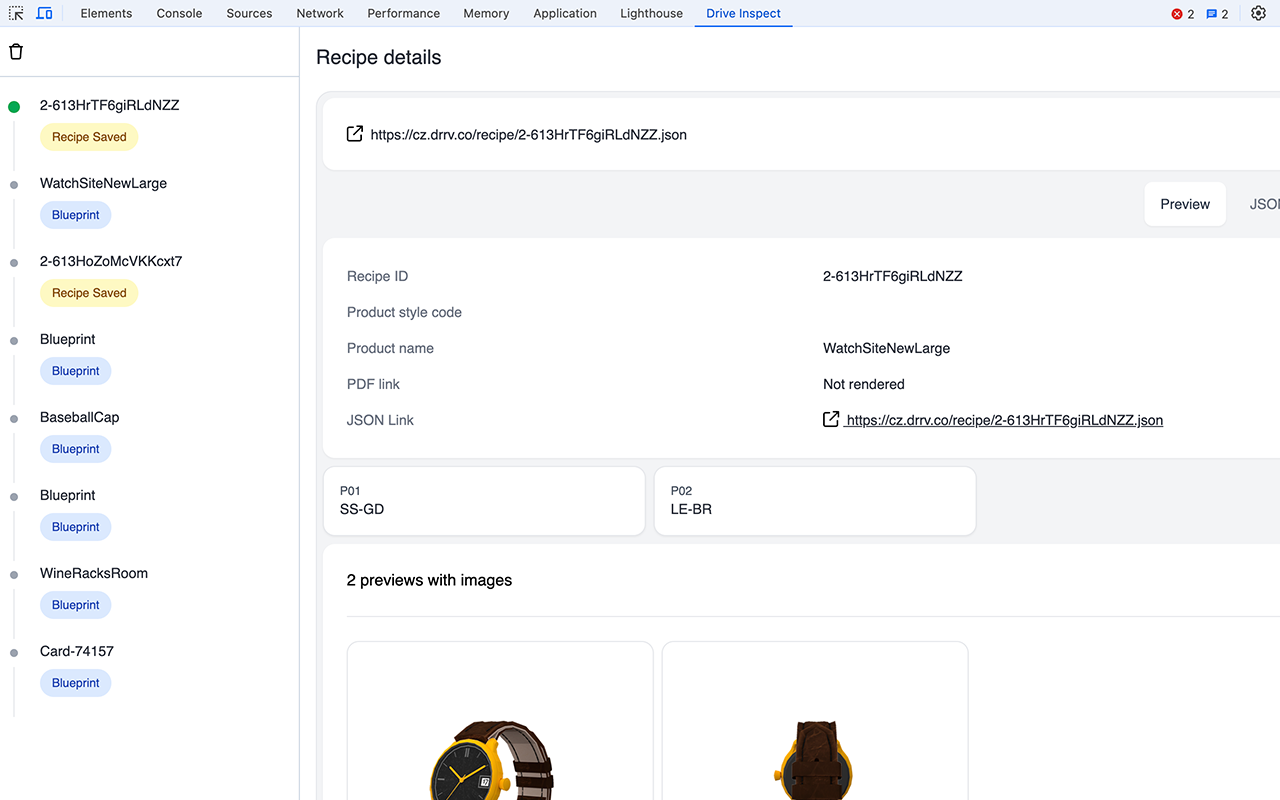
Drive Commerce Dev Tools is a specialized browser extension designed to assist developers and store owners in effectively managing and optimizing their Drive Commerce integrations. Whether working with Cartographer or Customizer, this extension offers a robust suite of features to simplify troubleshooting and provide in-depth insights into your setup.
Key Features
-
Blueprints Analysis: Access detailed information about the blueprints utilized in your Drive Commerce Customizer implementation.
-
Recipe Explorer: Easily review saved recipes and diagnose recipe-related issues.
-
Analytics Event Monitoring: Track and analyze analytics events with precision.
-
Product Recommendation Previews: Preview product recommendations generated through Drive Commerce Cartographer implementations.
-
Advanced Developer Insights: Gain a detailed view of tracked items to better understand and optimize your integrations.
Security and Privacy
We recognize the importance of security and privacy when using browser extensions. To address these concerns, Drive Commerce Dev Tools is built with the following principles:
-
No Content Scripts: The extension does not inject scripts into web pages, ensuring no interference with site functionality.
-
No Background Scripts: The extension avoids running background processes in the browser.
-
Minimal Permissions:
-
Currently, the extension does not request any permissions.
-
If permissions are required in the future, they will be restricted to reading data only from Drive Commerce domains and subdomains:
-
drivecommerce.com
-
drrv.co
-
-
-
No Tracking or Analytics: The extension does not include any tracking, analytics, or data collection features.
Drive Commerce Dev Tools is purpose-built to enhance your development process while maintaining a strong commitment to security and privacy.
Installing the extension
Currently, the extension is supported for Chrome and Firefox browsers.
The Chrome version of the extension is available on Chrome Web Store under TBD link.
Accessing the extension
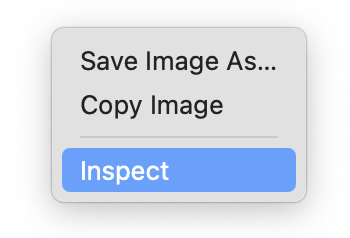
After installing the extension, navigate to Customizer enable webpage in the browser. Right click anywhere on the page and select Inspect to open browser’s developer tools. Alternatively, devtools can be accessed by pressing F12 key or selecting Developer Tools from the browser’s main menu.
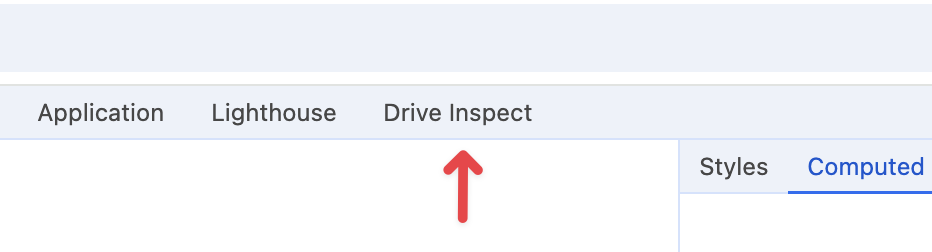
Once opened, navigate to the Drive Inspect tab:
Now, load a configurator, exercise options, and save recipes. The Customizer related activity will be reflected in the Drive Inspect tab:
-
Blueprints
-
Recipes
-
Moderation requests
-
Data queries