
In many implementations, the customer journey with configurable products begins on a Product Details Page (PDP), where the customer can launch the configurator. While the visual design of each PDP varies, the following elements are commonly included:
-
Customization trigger — A button labeled “Customize,” “Start,” or similar to launch the configurator.
-
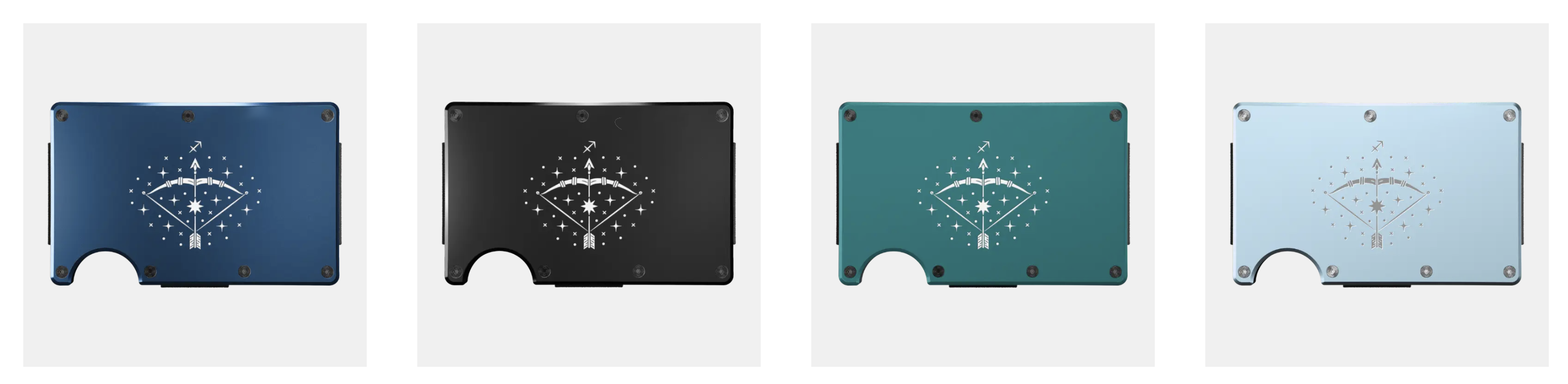
Product preview images — Typically, a selection of pre-rendered images showcasing example customizations.
Previews of customized products can be easily generated using the configurator itself by capturing a recipe and extracting the required images.
In some cases, it may be desirable to introduce customization earlier in the process—or to showcase it more broadly. For example, personalized products can be featured directly on the Product Listing Page (PLP), without requiring the customer to enter the configurator. This approach helps demonstrate the range of personalization options available at a glance.
Such product listings or galleries can be generated dynamically using the Tile Preview API.
Target URL
Tile preview API is a product-specific endpoint which uses the following format:
/api/v2/blueprint/preview/{styleCode}/{version}/{sites}?assembly=<configuration string>
Method
The tile preview API is intended to be invoked using GET HTTP method. In fact, in most cases the intended use for the API is to be linked directly using <img src= or background-image CSS methods.
Response payload
The tile preview API will return an image containing the preview data.
The format of the image (PNG, JPG, WebP, etc), the image dimensions, compression parameters are set up at the product level within the Customizer Admin interface.
Assembly
The tile preview API requires an assembly parameter which indicates the specifics of how the product shall be configured for preview:
-
Product selections for composable configurators
-
Product component selections
-
Personalization entry
-
Applied icons and images
The assembly configuration string is specially formatted set of instructions for Customizer to load and configure a set of products. The detailed description of the configuration string can be found at Assembly configuration strings