
Customizer platform does not recognize brand as a concept, and rather manages all options and products as flat lists. This may complicate operations such as configuring products, assigning options, etc, since admins would see options from multiple brands mixed together.
In order to solve this issue and limit the scope of what is visible at any point of time, there are two potential solutions
Tags and filters
Every object in the Customizer platform may have one or more tags assigned to it. For example, products:
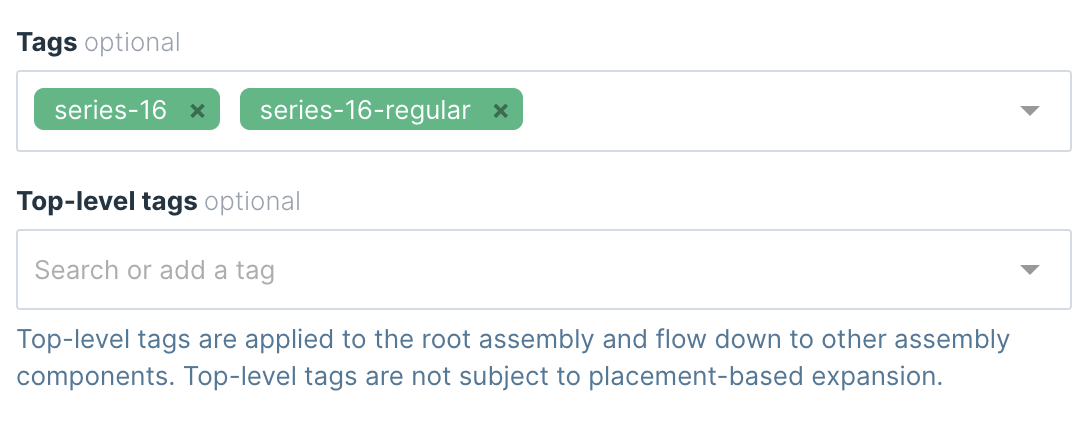
Tags can be used for multiple purposes, for example programmatically control features based on tags.
For managing brands purpose however, Customizer Admin provides another useful feature: global filters. By selecting some global scopes in the top right corner of the screen, it is possible to reduce all views to items only with respective tags.
View all brands, products, and options:

Scope all objects to a specific brand:
