
All Image Server rendering operations apply to a current canvas. At any time, there can be a number of canvases in progress:
-
Main canvas
-
Grouped layers
By default, the rendering process starts with a blank canvas that has no defined dimensions. Some rendering operations require a proper “underlayer” and thus may trigger an error in this blank state. For example, text rendering requires a background or at least a well-defined image dimensions.
Canvas Dimensions
Canvas dimensions can be specified in two ways:
-
Explicitly using
widandheioptions -
Implicitly by adopting the dimensions of the first layer, if that layer generates a raster image.
Layers
Each rendering operation applies not to a specific canvas, but also to a layer. There can be only one active layer at a time, and it is not possible to “go back” to a previous layer to make some modifications; once a new layer is started, all operations will apply to that layer.
Each layer can be thought as a single image or a text component that contributes to the overall picture. A mockup with a background and foreground picture would consist of multiple layers and a single canvas:
Layers that contribute to the overall picture:
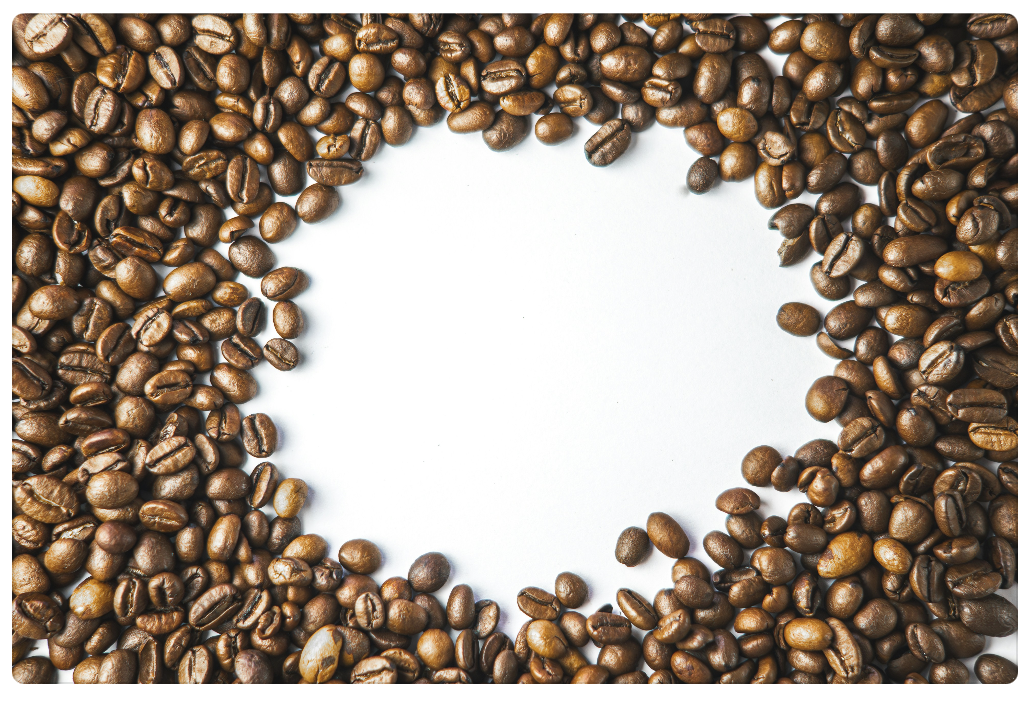
Background

Shadow
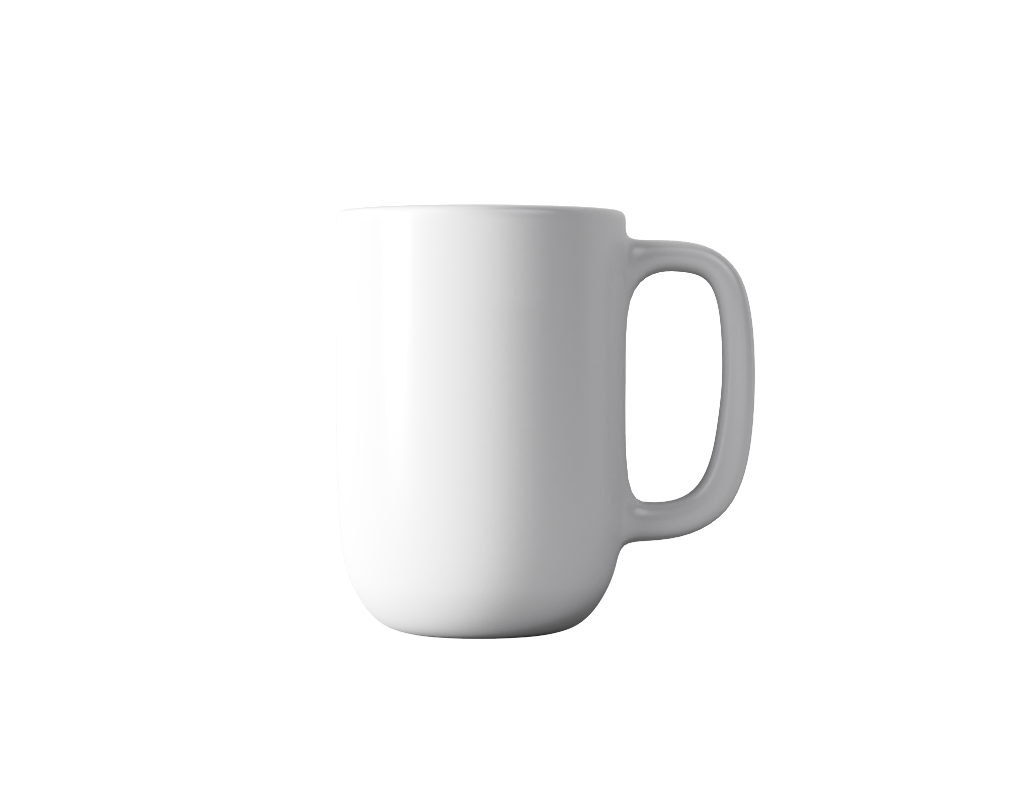
Foreground
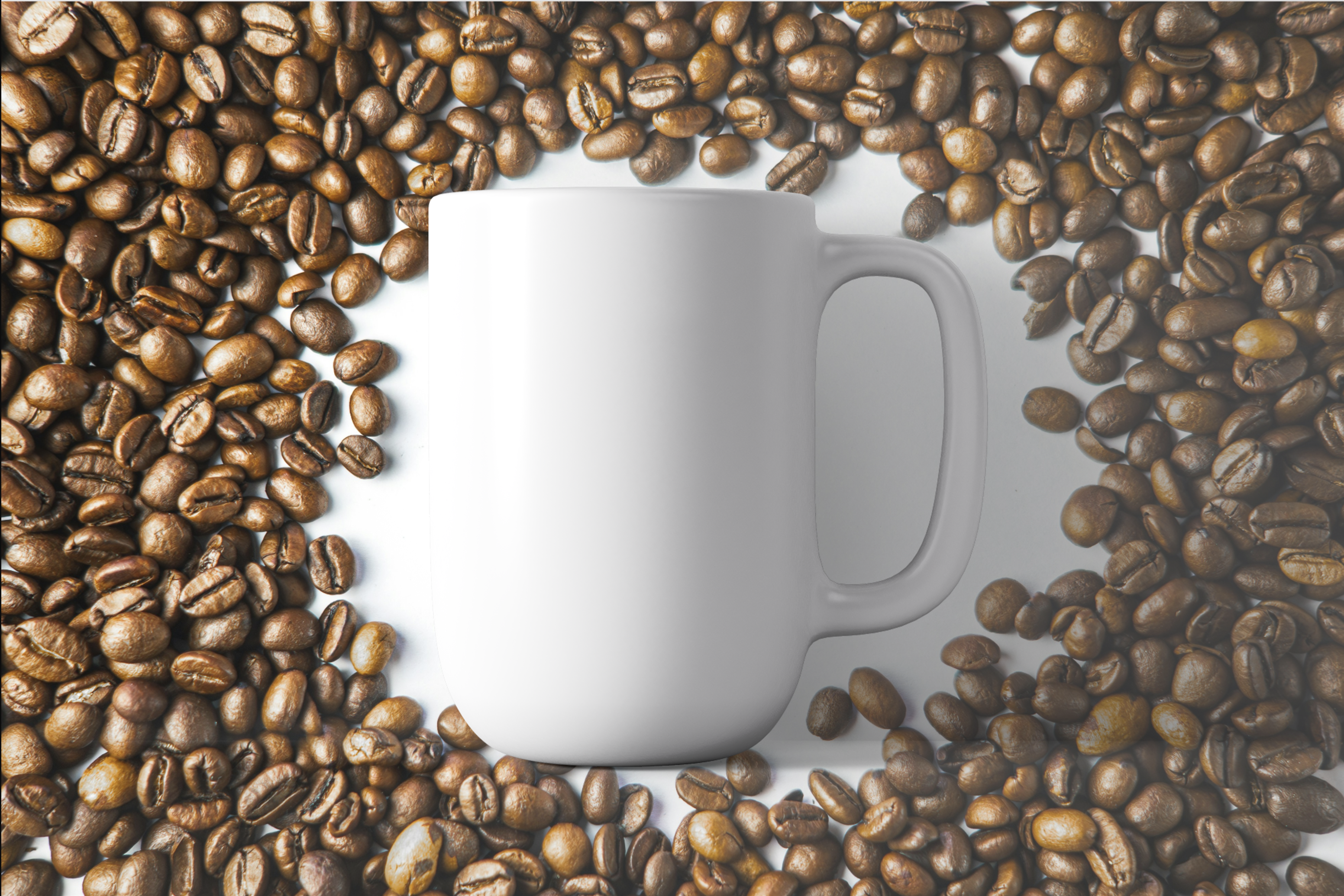
-
We started by defining the image dimensions using
widandheicommands -
Then, added a layer of
coffee-backgroundimage -
Then, a layer of
coffee-shadowimage -
And finally
coffeeimage
Defining a layer
A new layer is started by using l or layer command. The command parameter can be used to indicate a layer number, however this parameter value is generally ignored.