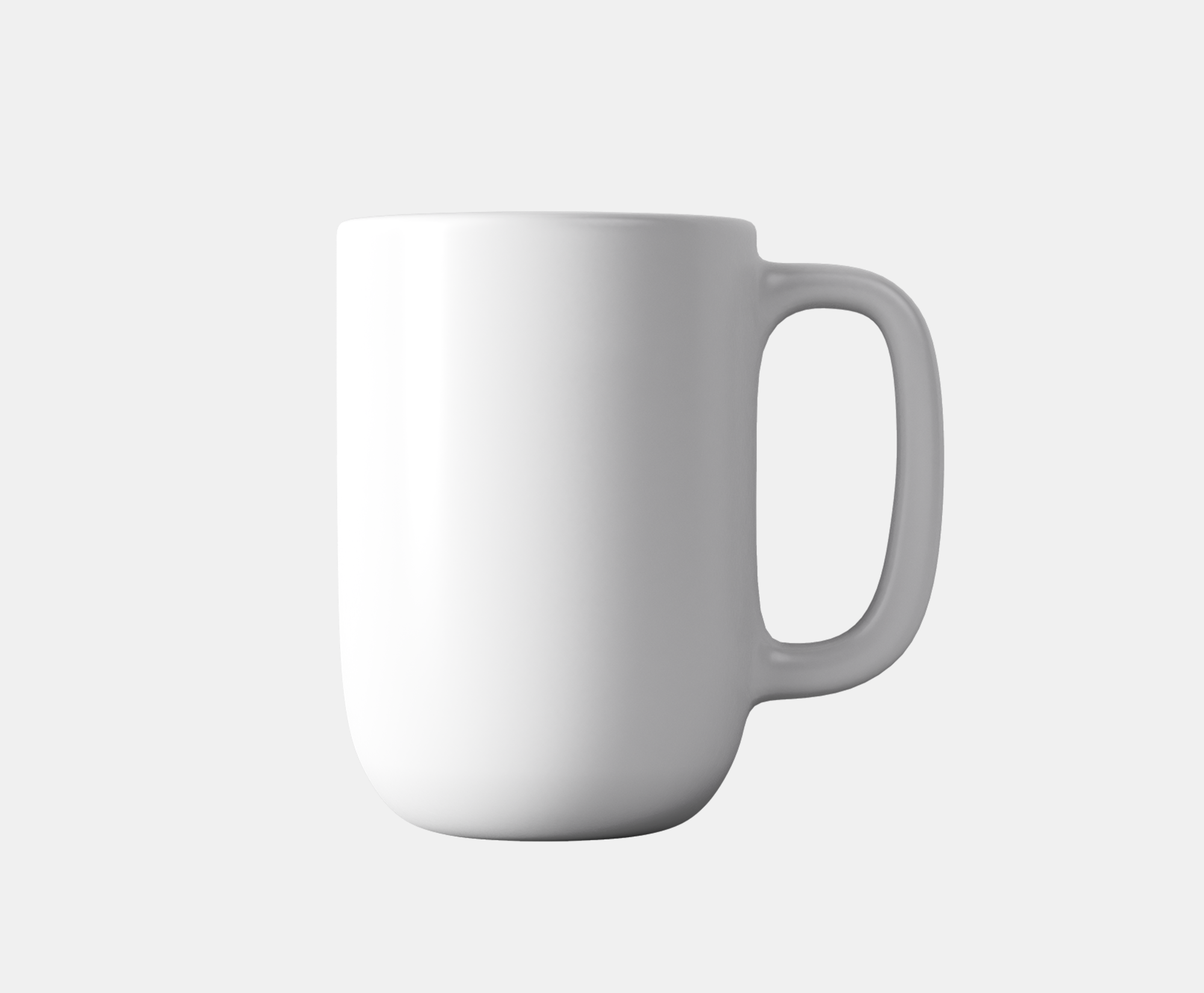
Image rendering is one of the most common use cases for the image server. In real world, images are combined into collages, overlayed, masked, etc; all of which operations can be done using the image server.
An image layer is created by specifying an image source using src command.
For example:
Image positioning
Image position can be specified using pos command, which controls the top-left corner position of the image, relative to the top-left corner of the currently active canvas (be that the main canvas or a group).
By default, if no pos position is specified, the image server will automatically place the image in the middle of the current canvas.
Image scaling
By default, images are rendered using their natural sizing. Image sizing can altered using scl or sz commands.
Scaling
scl shall provide one or two numbers that indicate the desired scaling factor along the X and Y axes. If a single number is provided, the image will be scaled proportionally along both axes.
For example:
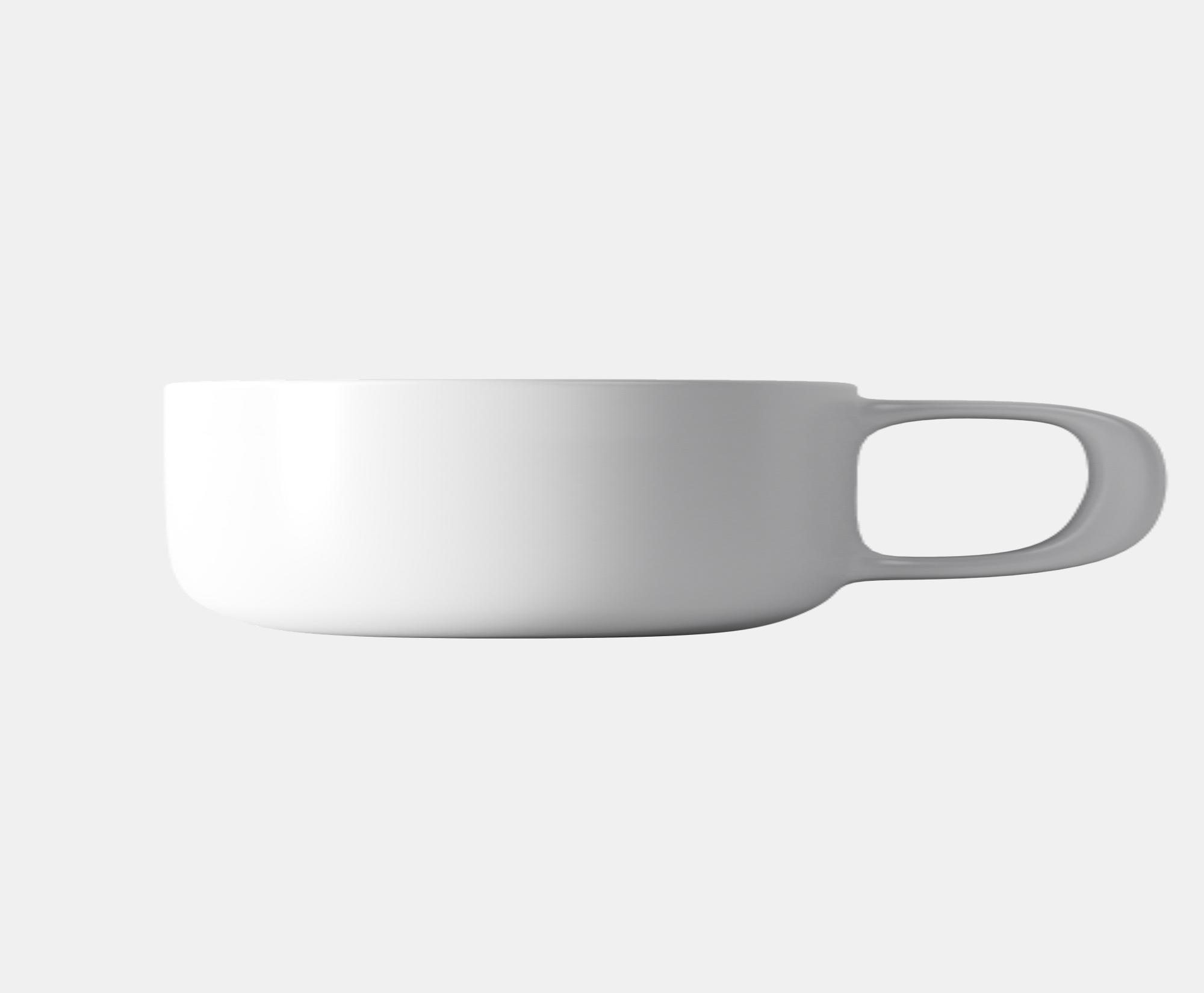
https://fx.images.drivecommerce.com/api/v1/drive/image/?wid=2000&hei=1650&src=coffee&scl=2,0.5
This command scales the image by the factor of 2 in X direction, while shrinking it by 50% in the Y direction.
Size specification
Explicit desired sizing can be specified using sz command. The command shall provide two comma separated numbers which indicate the rectangular area to fit the image to.
If the image dimensions and the desired area aspect ratios do not match, the image will be scaled proportionally so both dimensions are contains within the spec rectangle.
For example: