
While many metadata components (component groups, placements, views, etc) can be ordered using sequence numbers, component options are unique in the way they are handled. Primarily, component options' order in blueprints determines their visible placement in the configurator user experience.
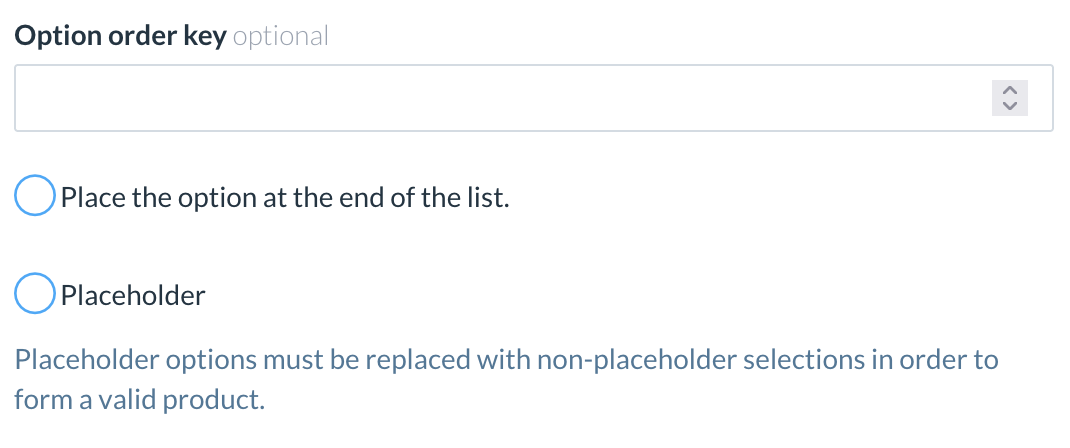
Three attributes determine options order:
-
Placeholder
-
Order key
-
Place-at-the-end flag
Ordering algorithm
First, options are sorted to ensure that Placeholders appear at the top of the list, followed by non-placeholder options.
Within both placeholder and non-placeholder groups, options are sorted using the Order Key and Place-at-the-End flag attributes as follows:
-
Options with non-empty order keys and the Place-at-the-End flag disabled are sorted by their sequence keys.
-
Options with empty order keys are placed next.
-
Options with non-empty order keys and the Place-at-the-End flag enabled are sorted in reverse order of their sequence keys.
Please note that negative order keys are allowed, with the effect of placing such options to be very first or very last in the list.
For example, the following would be the order of options based on their attributes configuration:
|
Resolved Order |
Placeholder |
Order Key |
Place at the End |
|---|---|---|---|
|
1 |
Yes |
-1 |
No |
|
2 |
Yes |
1 |
No |
|
3 |
Yes |
2 |
No |
|
4 |
Yes |
<empty> |
No |
|
5 |
Yes |
<empty> |
No |
|
6 |
Yes |
2 |
Yes |
|
7 |
Yes |
1 |
Yes |
|
8 |
Yes |
-1 |
Yes |
|
9 |
No |
-1 |
No |
|
10 |
No |
1 |
No |
|
11 |
No |
2 |
No |
|
12 |
No |
<empty> |
No |
|
13 |
No |
<empty> |
No |
|
14 |
No |
2 |
Yes |
|
15 |
No |
1 |
Yes |
|
16 |
No |
-1 |
Yes |
Order of options with unassigned or equal keys
If two options both have empty sequence keys or the same sequence key, the options will be sorted based on the order of their creation.
Ordering components with multiple option definitions
Some components may consist of multiple options. For example, personalization text can include:
-
Font
-
Font Size
-
Font Color
By default, components will use the sequence number if at least one option has an order key. If none of the options have an order key, the combined order key will remain empty.