
Customizer provides a built-in solution to manage stock images or text fragments. Both stock images and text can have many uses, for example to populate a clip-art gallery that end-users can add to their custom products. Alternatively, text fragments can be used to localize larger areas of the configurator UI, such as help or instruction copy.
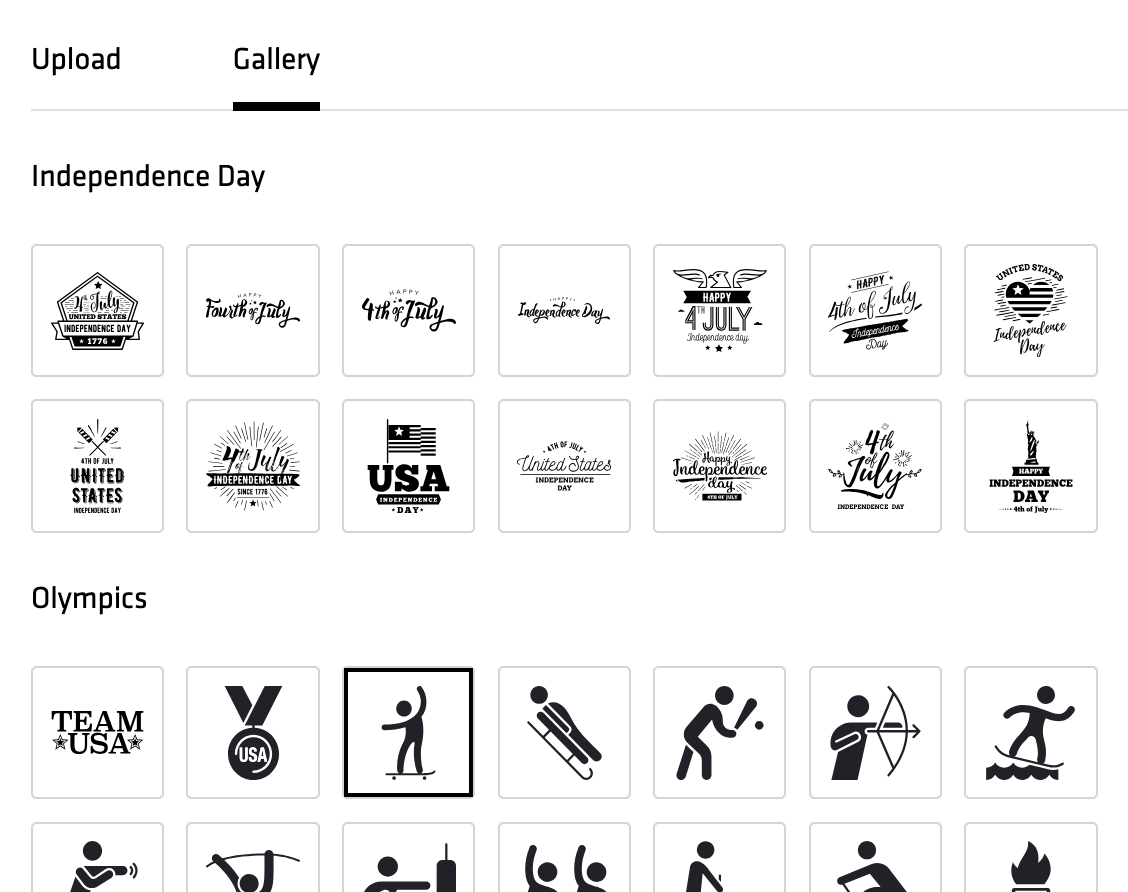
Because stock data is managed the same way as component options, they inherit the same range of features:
-
Stock data can be enabled and disabled
-
Stock data can have inventory (for example, yardage for fabrics and threads)
-
Can be targeted to specific regions, for example, due to licensing restrictions
-
Stock data elements can be translated, for example, image titles that are visible to end-users can be translated to multiple languages
-
Stock data usage can be reported upon, for example, to generate reports about licensed images being applied to designs.
-
Can be subject to tagging and rules
-
Stock data can have custom attributes and custom forms, which allows to implement additional functionality. For example, stock images can be marked with applicable personalization methods, such as clip-art that can be used only on Digital Printing or Laser Engraving manufacturing methods.