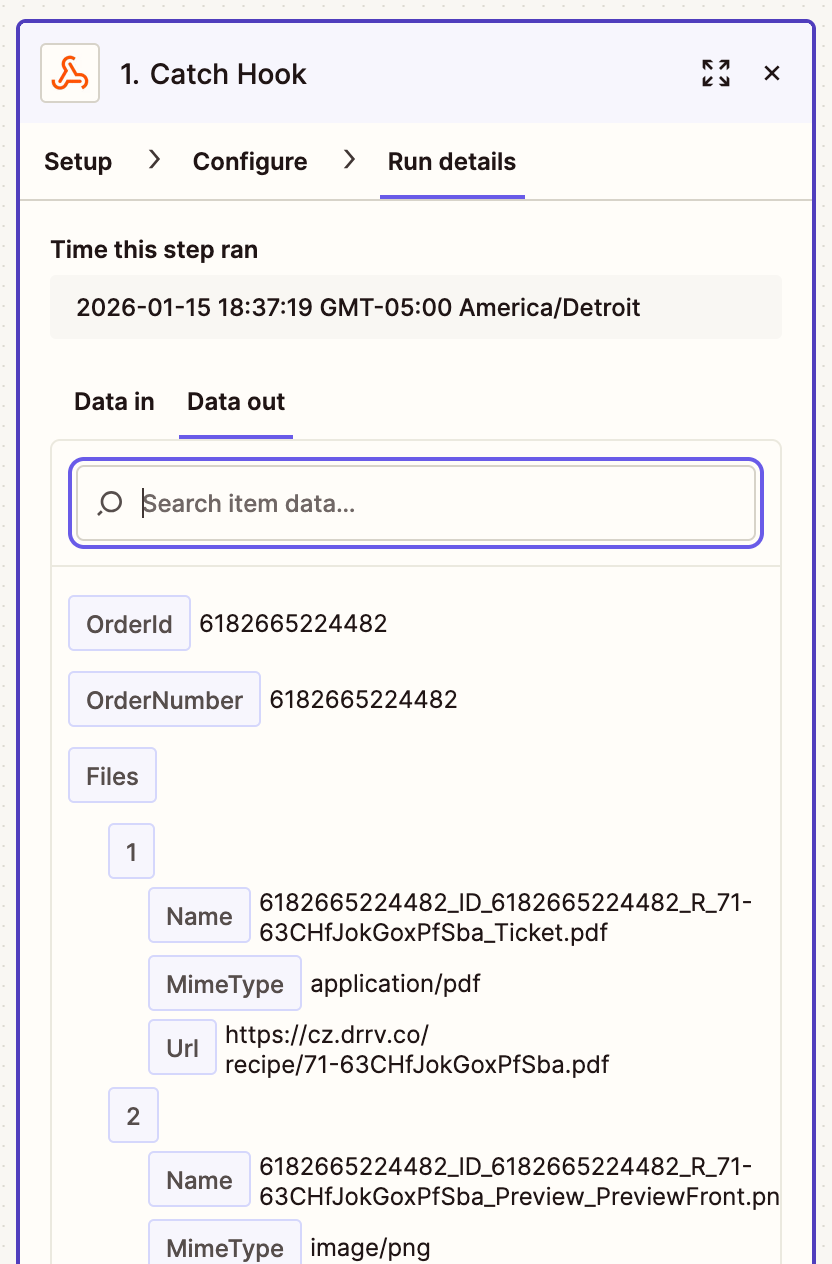
Zapier is a convenient method to process a variety of data, including recipes and orders originated from the Customizer platform. The key to this type of the integration is to set up a Catch Hook in Zapier, and populate the respective integration point in Customizer.
Step 1: Add a webhook component
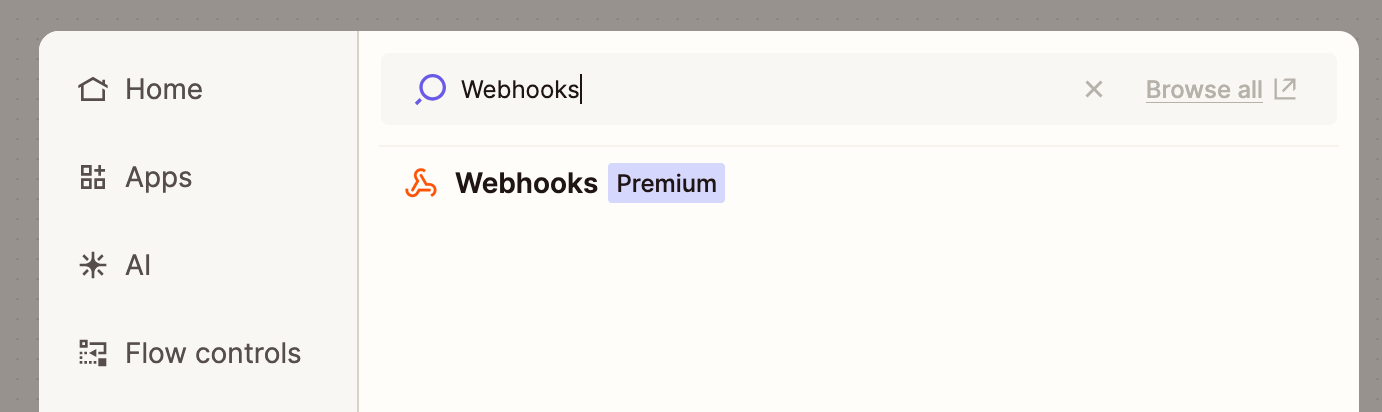
Add a Webhooks by Zapier component to your workflow:
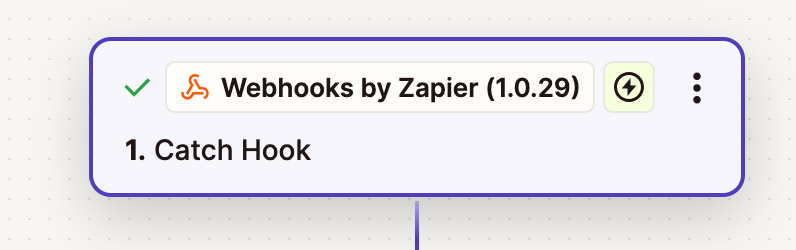
Resulting in:
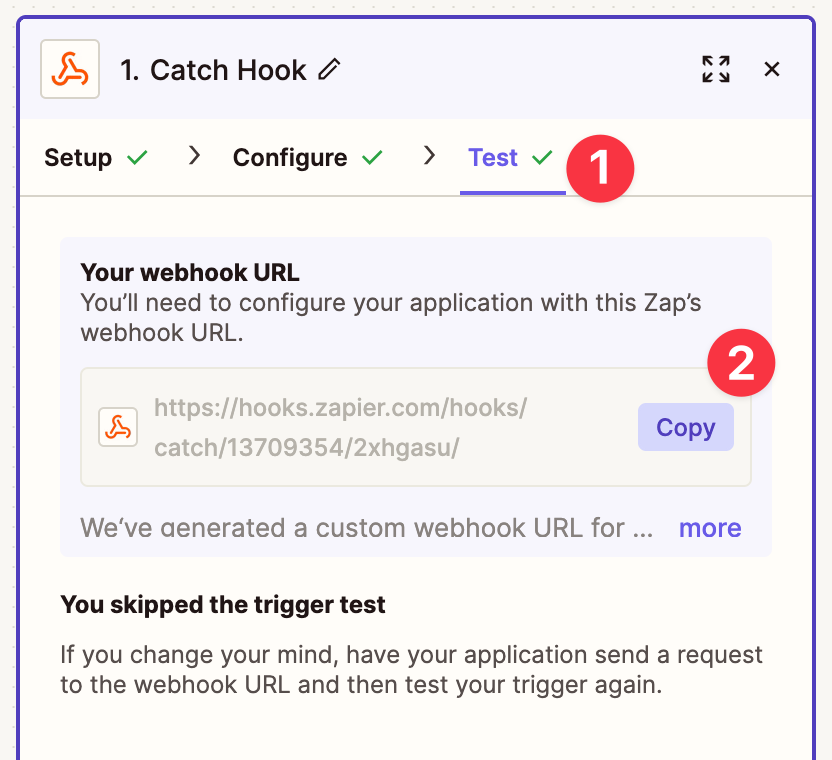
No further configuration is required on the hook side. Next, navigate to the Test tab and copy the hook URL:
Step 2: Add a Zapier integration
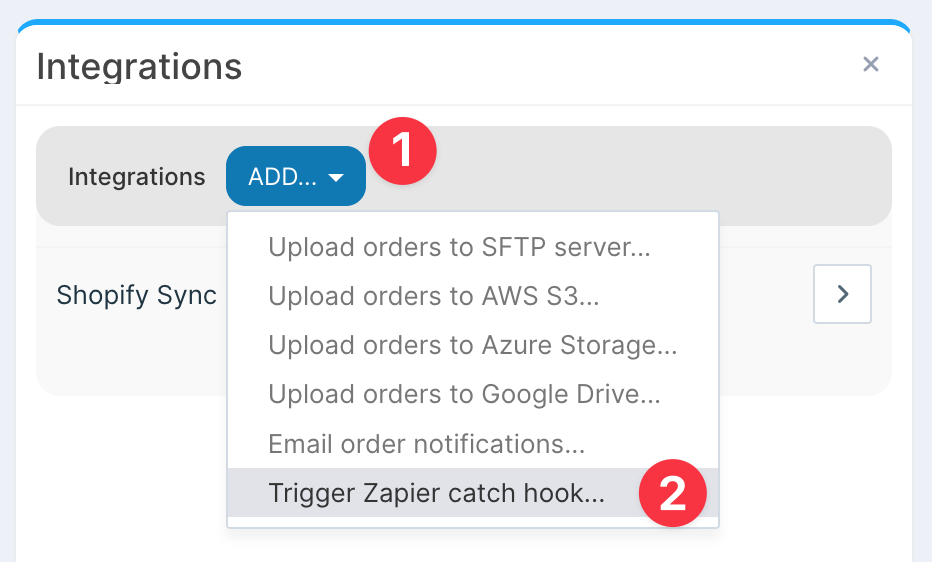
Back in the Customizer Admin, navigate to Integrations and add a Trigger a Zapier catch hook integration:
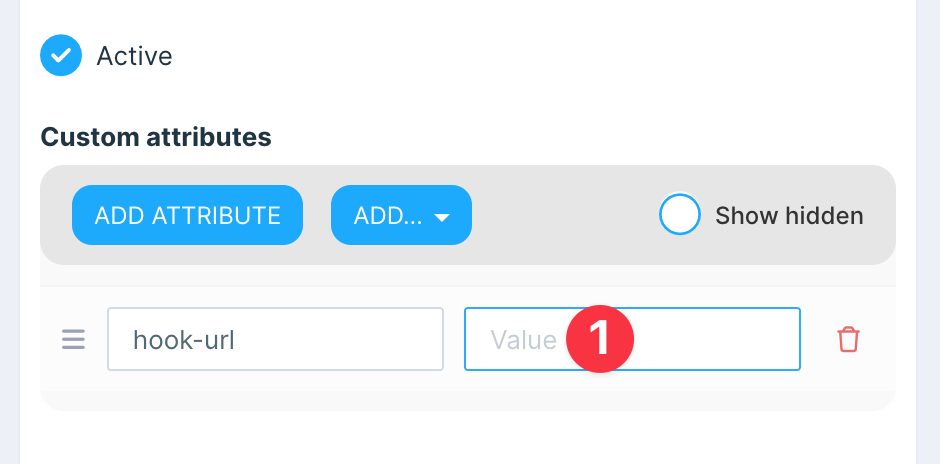
Populate the catch hook in the hook-url attribute field and save the integration:
Whenever a new custom order is placed, a Zapier event will be automatically triggered, sending the relevant order data.
Included order data
The event is fired once for each order update, regardless of a number of custom items in the order. For example, if an order contains two personalized items, the catch hook will still receive only one event.
The event data will include:
-
Order ID
-
Order Number
-
A list of related recipe IDs
-
A list of related order files, such as previews and production files
Further processing can be achieved using other Zapier steps, such as JavaScript code, or file related steps.
Example of submitted data: