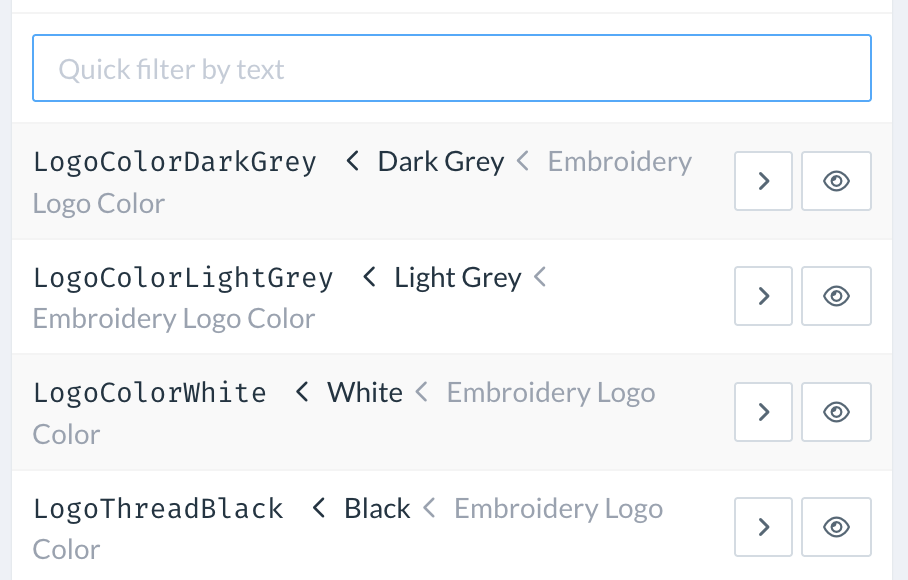
Filters can be applied to various lists, such as Component Options and Products. A lightweight filtering language enables quick narrowing of long lists to just the required options.
Combining filtering terms
Filters accept a list of search terms separated by spaces. When multiple terms are entered (e.g., A B), only items containing all of the specified terms will be displayed. To show items containing any of the entered terms, use the OR operator between the terms (e.g., A OR B).
Excluding terms
To exclude items from the search results, prepend the unwanted search term with an exclamation mark (!). For example, A !B will show items that contain the term A but exclude those that contain the term B.
Examples
For instance, if the list of available personalization colors includes various shades, a filter such as Grey would display both Dark Grey and Light Grey items.
To narrow the list further and display only Light Grey items, you could use the filter Grey !Dark.