
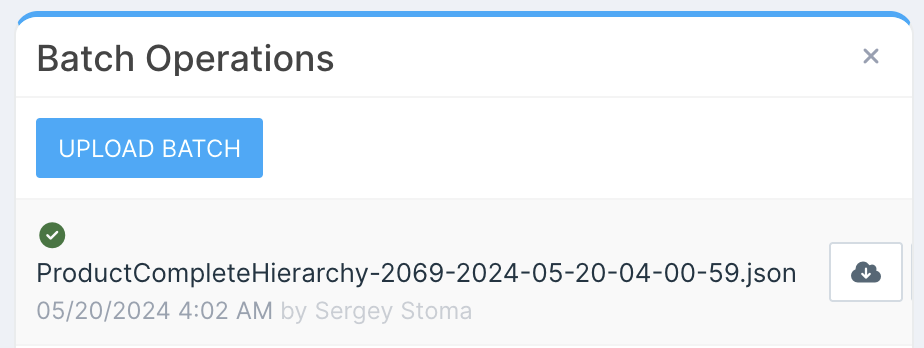
Batch files can be imported by selecting Batch Operations from the sidebar menu. The operations panel displays a list of recently imported batches along with their respective statuses:
-
Blue hourglass – Waiting to be processed.
-
Green checkmark – Successfully imported.
-
Red exclamation mark – Import failure.
-
Yellow exclamation mark – Currently being imported.
To upload a new batch, click the Upload Batch button.
Previously uploaded batches can be downloaded from the history list.
Monitoring the progress
Detailed batch import statuses and import logs can be accessed from the Operation Logs menu.