
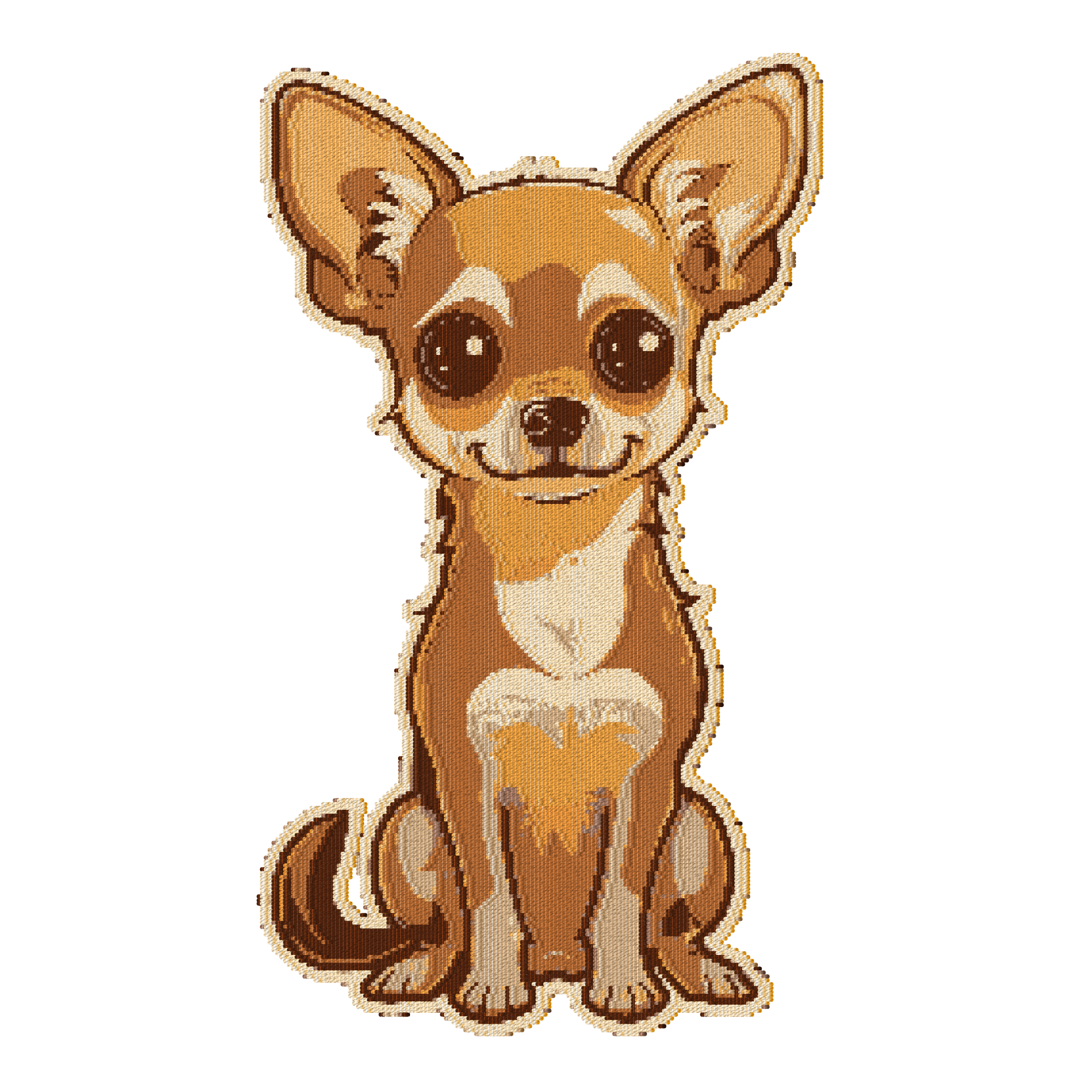
In some cases if may be desirable to provide customers with a preview of how the embroidery could look like, without having a stitch file available yet. For example, this may happen when a new image file is uploaded and is not converted yet through a digitization process.
The image server can provide such preview:
-
A logo image is first converted to an approximate stitch file internally
-
Which is then visualized using the standard embroidery rendering path.
For example:
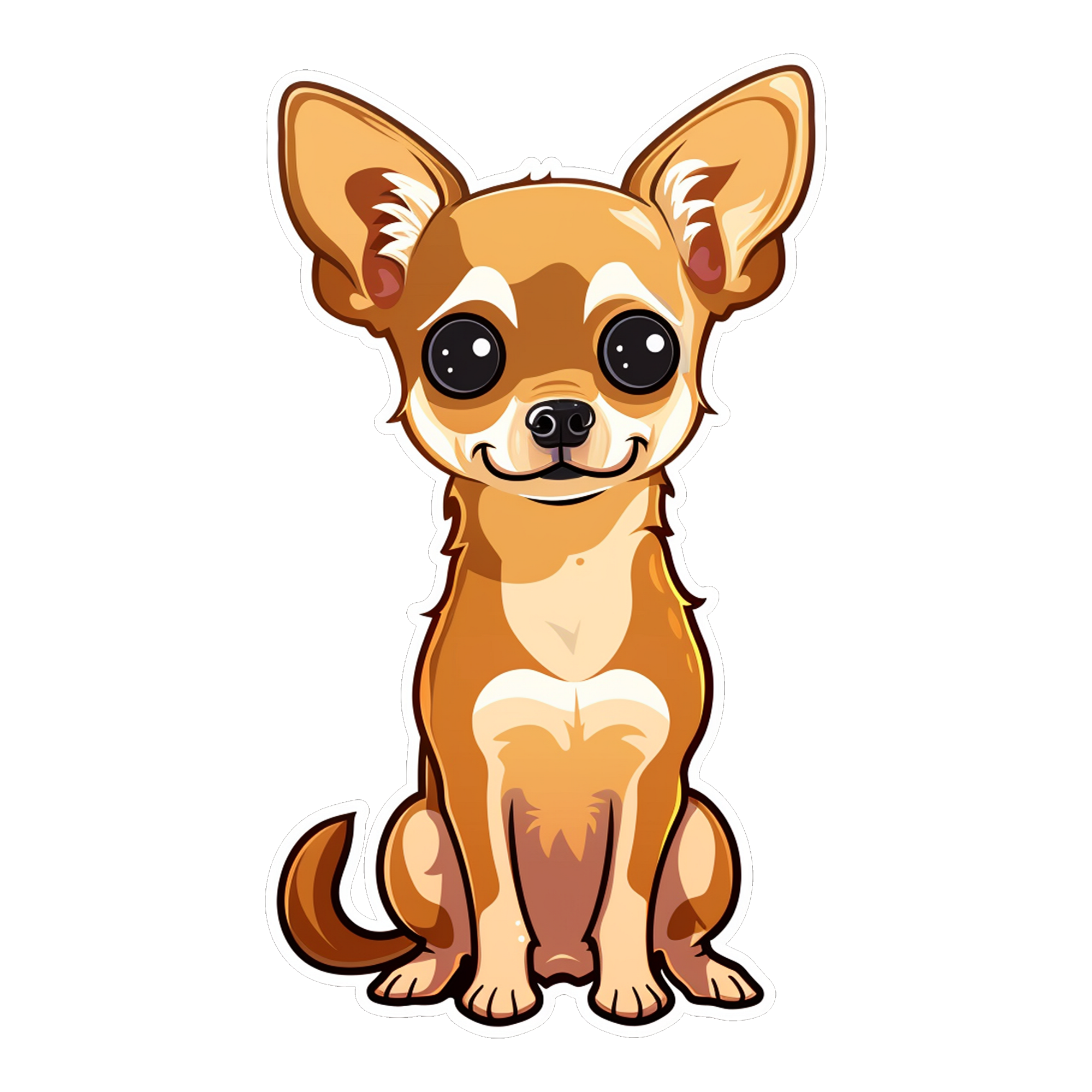
The source rendering: https://fx.images.drivecommerce.com/api/v1/drive/image/?layer=0&src=CZ-BOX2000X2000XC00000000&&layer&src=dog-sticker&scale=0.75&dpi=300
Embroidery approximation:
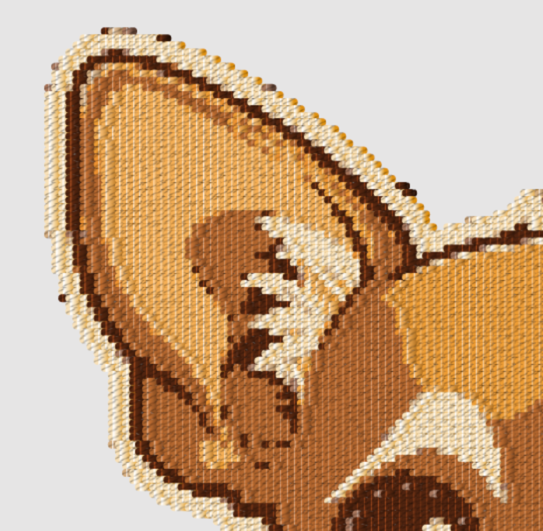
Or zoomed in area:
The embroidery simulation is triggered by applying a thread rendering filter: fx=thrd(...)
When rendering a simulation the target layer should be renderable by itself first. Both image and text layers are supported.
Thread filter parameters are similar to those of the standard embroidery command, with a few differences.
Thread density
Thread density is configured using f parameter. The fill density is closely related to the thread width parameter, as too low of a density would leave gaps between threads.
Number of threads
Number of threads or a number of colors can be configured using n parameter. For example, n=5 to convert the logo using five threads.
Thread colors
Thread colors will be automatically selected based on the layer image.