
Sizing options allow to control the output image dimensions as a post-processing step. This allows to specify layer rendering instructions using one specific set of coordinates and sizes, and adjust the resulting output image without changing any of layers. For example, sizing options can be used to produce the output image at @1x, @2x, @3x resolutions simply by changing the output scaling factor.
Sequence of operations
Some output sizing options are closely related, and are applied in a specific order:
-
If cropping parameters (
rposandrsize) are specified, the canvas is cropped first. -
If image width and height parameters (
rwidandrhei) are specified, the image is resized to desired dimensions. -
If image dimensions are omitted but scaling factor (
rscale) is specified, the image is scaled accordingly.
Image cropping (rpos and rsize)
Allows to crop the resulting image by providing a left-top corner position on the canvas (rpos parameter) and the desired image dimensions (rsize parameter).
Both parameters accept a parameter value as a comma-separated set of two numbers:
-
rpos=x,y -
rsize=width,height
If position and size indicate a rectangle that is larger than the image canvas, the resulting output image will be automatically reduced to available canvas dimensions.
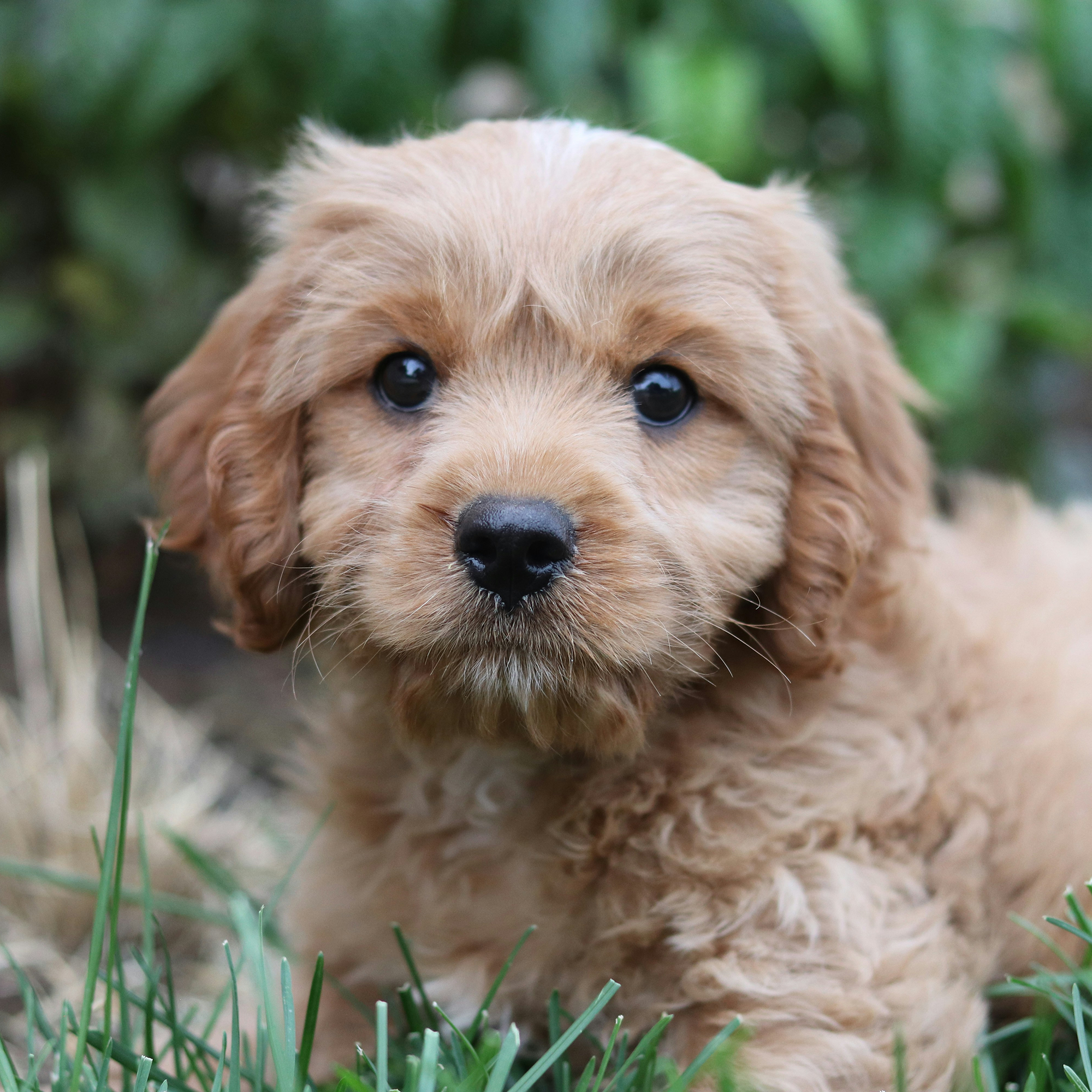
For example: rpos=100,100&rsize=1000,1000
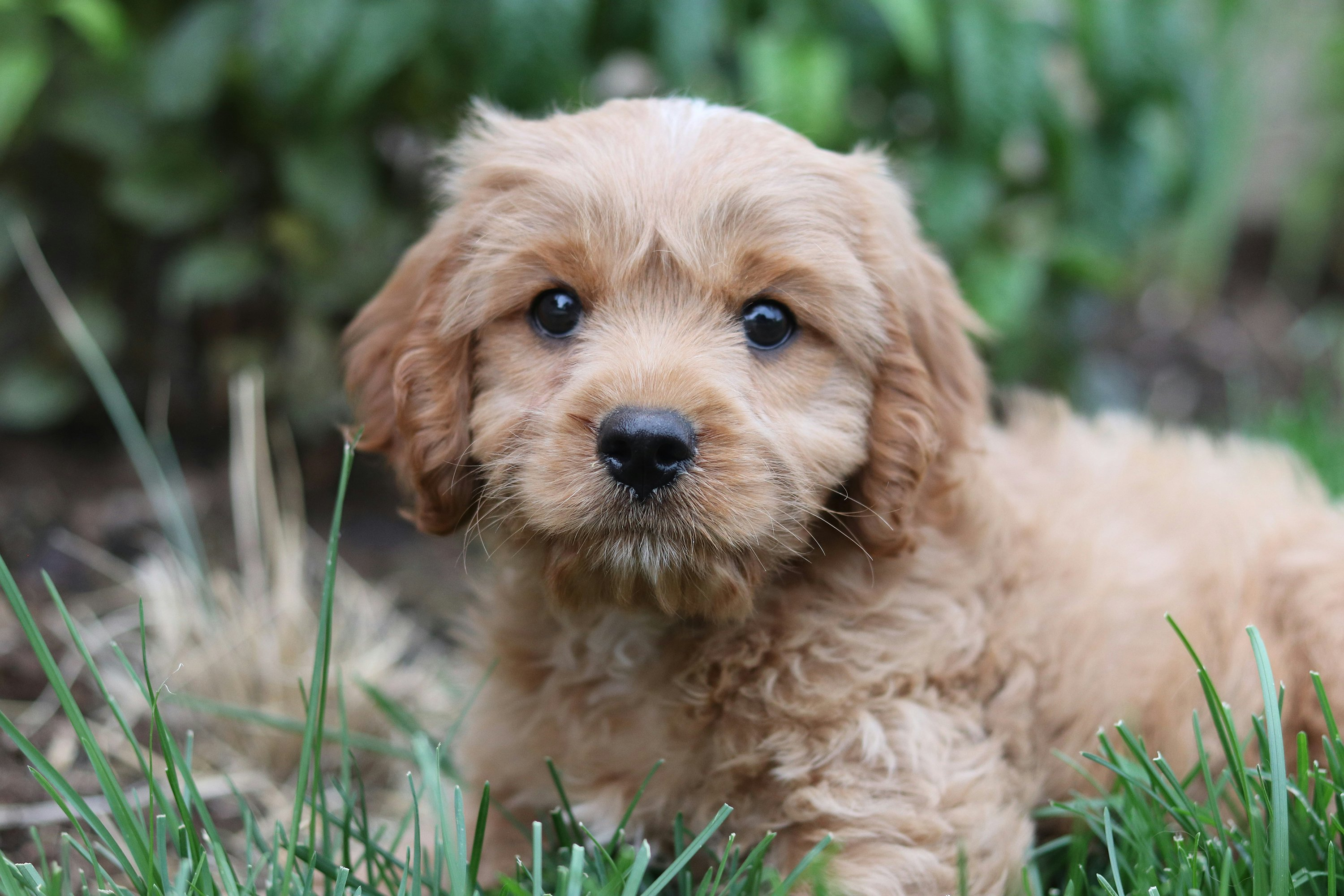
https://api.images.drivecommerce.com/api/v1/drive/image/dog?rpos=500,0&rsize=2000,2000
Source image (3000x2000):
Resulting image (2000x2000):
Output image resizing (rwid and rhei)
Output image resizing options allow to resize the output image without affecting the canvas size. The image can be both upscaled and downscaled.
If only the width parameter (rwid) is specified, the image will be resized proportionally.
If both width and height parameters are specified, the image will be resized non-proportionally to match the desired dimensions exactly.
For example: rwid=1000 or rwid=1000&rhei=500
While the resource image has 3000x200 dimensions, this example image will be 500x333:
https://api.images.drivecommerce.com/api/v1/drive/image/dog?rwid=500
Output image scaling (rscale)
Similar to rwid and rhei parameters, output image scaling can product a scaled down or enlarged version of the source canvas. The parameter value should be a number indicating the desired scaling factor:
-
1— no change -
> 1— enlarge -
< 1— scale down
For example: rscale=0.5
https://api.images.drivecommerce.com/api/v1/drive/image/dog?rscale=0.5