
Masks can be applied to a layer by specifying a mask command value. Mask should be an image source, and can be either an image or a group.
The mask image is applied to the current layer only; the layer behind the current layer remain unaffected.
For example:
https://fx.images.drivecommerce.com/api/v1/drive/image/?layer&src=dog&mask=coffee
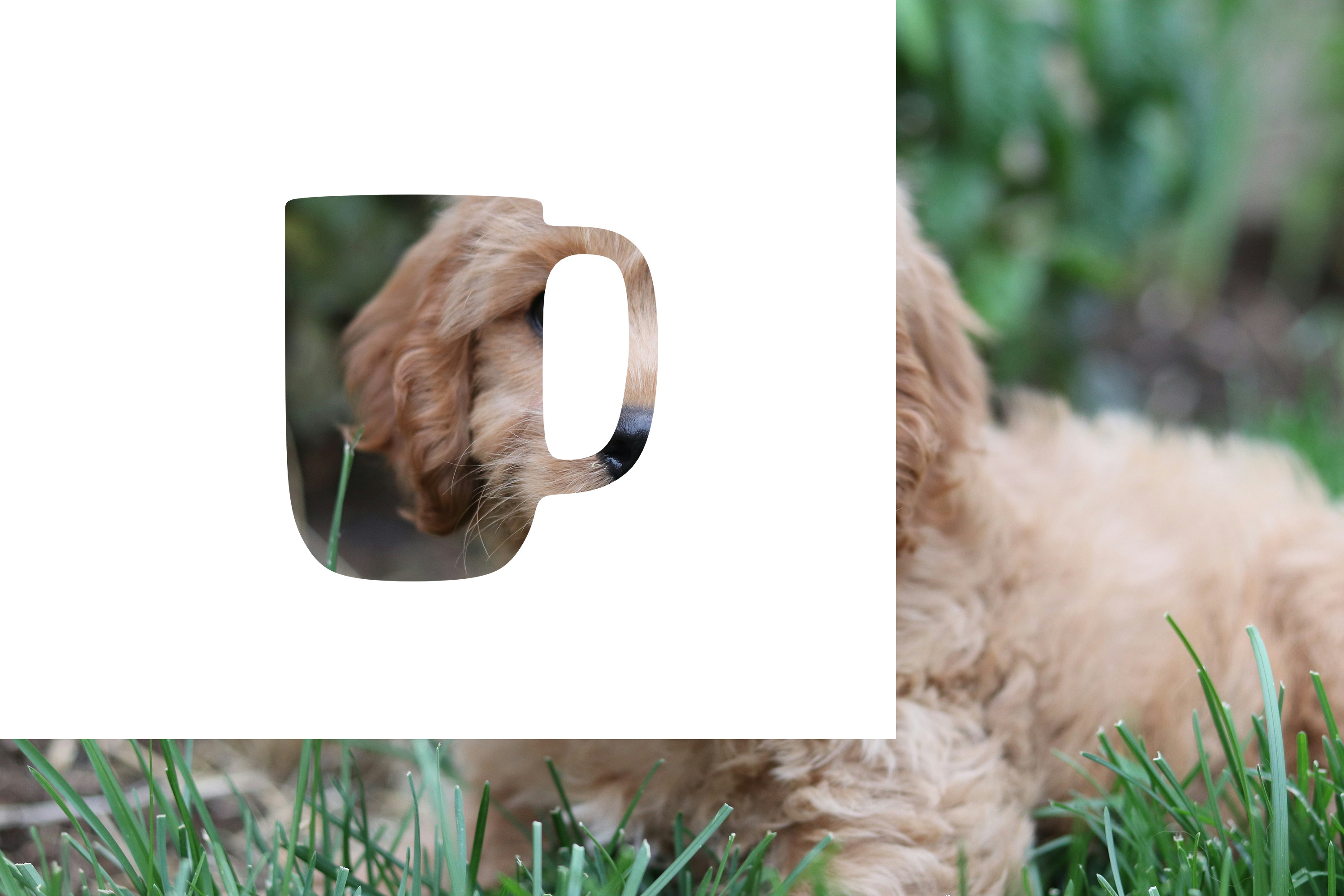
As evident from this example, some issues may arise if mask dimensions do not match canvas or image dimensions. For best results, it is recommended to prepare mask and overlay images so their dimensions match the intended canvas dimensions.
Mask and overlay images are always aligned to the top-left canvas corner.