Color effects are a family of filters that allow to apply a variety of color-based modifications.
Colorize (colo)
Colorize filter multiplies the colors of the current image or text layer with the provided color.
For example: fx=colo(c:0000ff)
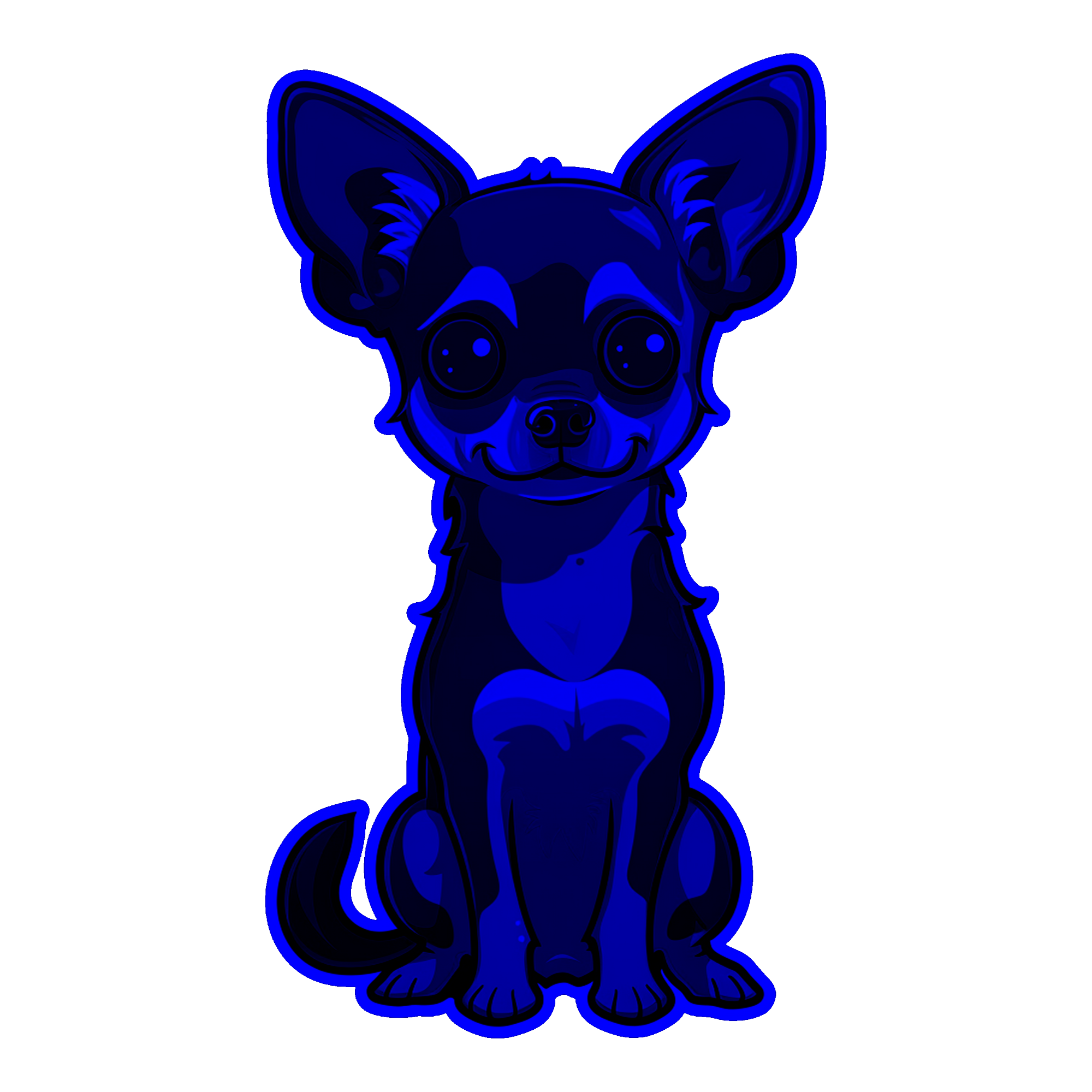
Colorize-add (cadd)
This filter adds the specified color to all pixels of the current layer.
For example: fx=cadd(c:0000ff)
Colorize-add filter requires a colorize filter as well. If no colorize filter color is provided, pure black is assumed.
In order to avoid unintentional color modifications, provide a neutral color for colo filter: fx=colo(c:ffffff)
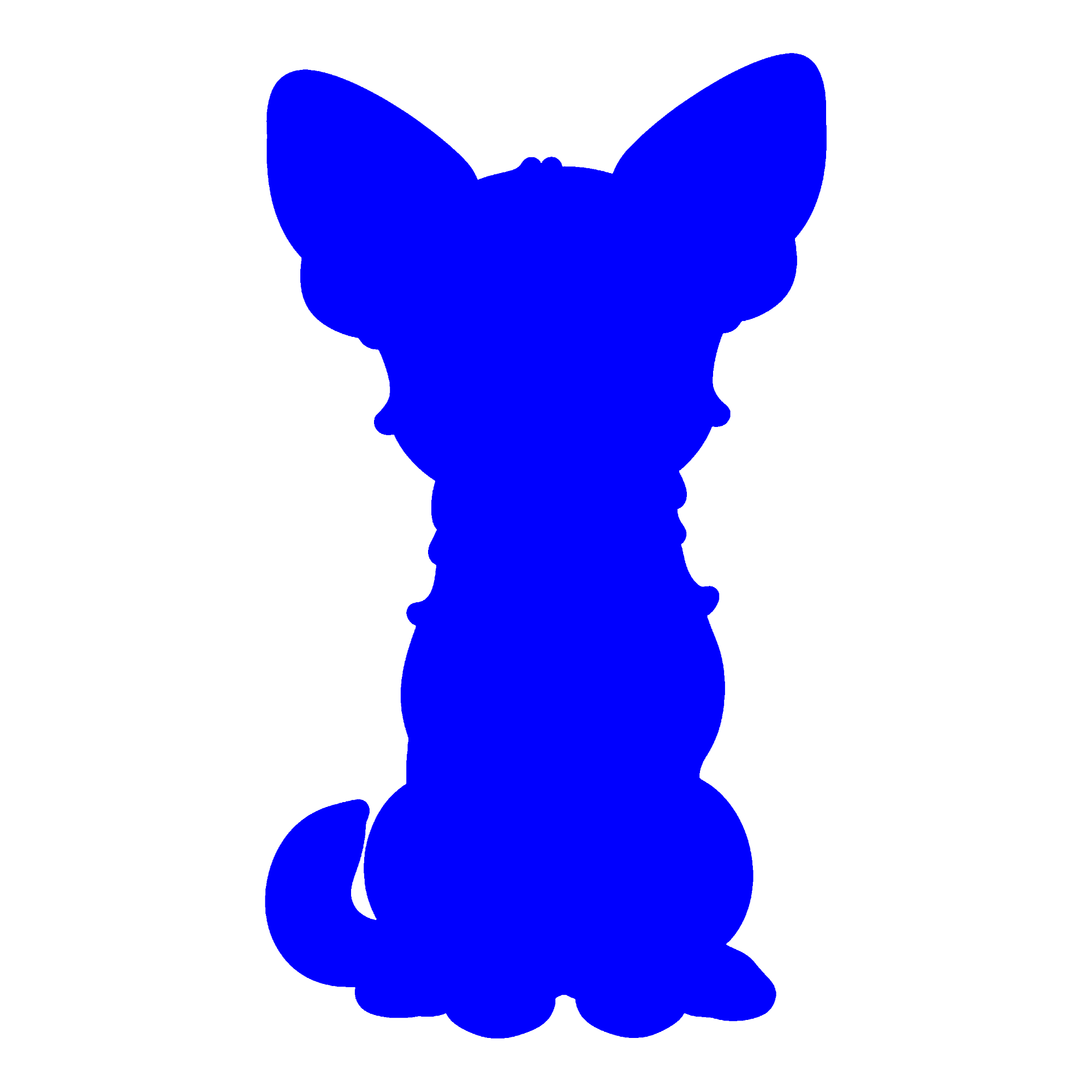
Or proving both colorization values at the same time: https://fx.images.drivecommerce.com/api/v1/drive/image/?layer=0&src=CZ-BOX2000X2000CFFFFFFFF&&layer&src=dog-sticker&scale=0.75&fx=colo(c:ffffff),cadd(c:0000ff)

Saturation (satu)
Saturation filter allows to adjust the layer saturation, either by boosting or by desaturating the image.
Saturation filter can be applied only to image layers. If it is desired to modify a text layer, the recommended approach is to render the text layer to a group first, and then render the group image with necessary effects.
This filter accepts a single parameter, s which should be a value between -1 and 1.
-
-1produces a fully desaturated image -
0has no effect on the image -
1fully saturated image
For example: fx=satu(s:1)
Strength -1

Strength 1

Exposure adjustment (expo)
Exposure filter applies a brightness adjustment to the image. The filter accepts a single parameter, strength s, which should be a value between -2 and 2
For example: fx=expo(s:0.4)
Stength -1

Strength 1

Contrast adjustment (cntr)
Modifies the image contrast ratio. The filter accepts a single parameter, strength s, which should be a value between -1 and 1.
For example: fx=cntr(s:1)
Strength -1

Strength 1

Warm-cool adjustment (warm)
Adjusts the overall feel of the image and shifts color either to the cool or warm areas. The filter accepts a single parameter, strength s which should be a value between -1 and 1
-
Negative values shift the image tone to the cool area
-
While positive values warm up the image
For example: fx=warm(s:0.5)
Strength -1

Strength 1