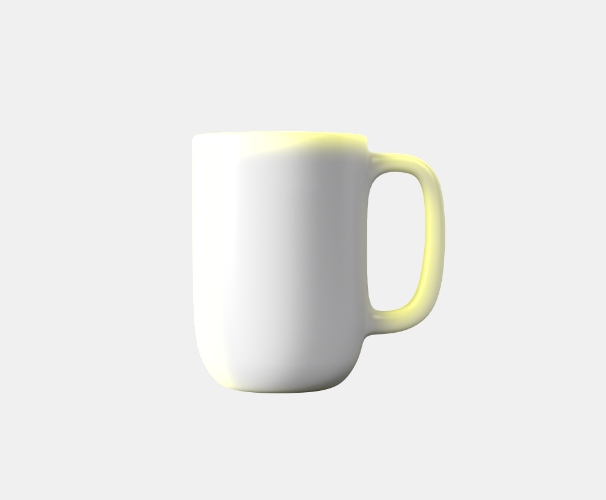
Rendering effects can be used to add various layer effects, such as drop shadows and glows.
Shadows
Shadow filter sdw creates a drop shadow effect, which can be applied to text and image layers. The effect parameters include:
-
xandydrop shadow offset -
bspecifies the blur radius of the shadow -
cspecifies the shadow color -
oallows to modify the shadow opacity without having to adjust the color alpha channel manually.
For example:


Inner shadows
Inner shadows isdw create a shadow effect along the inner edges of the layer, rendering inside the image rather than outside, as with drop shadows.
The effect parameters include:
-
xandydrop shadow offset -
bspecifies the blur radius of the shadow -
cspecifies the shadow color -
oallows to modify the shadow opacity without having to adjust the color alpha channel manually.

Glow
Glow effect glw is similar to the drop shadow effect, however it produces a glow that is composited using a screen operation with the underlying image; that is, the glow will brighten the area outside of the layer.
The effect parameters include:
-
xandyglow offset -
bspecifies the blur radius of the glow -
cspecifies the glow color -
oallows to modify the glow opacity without having to adjust the color alpha channel manually.
For example:

Inner glow
The inner glow effect iglw is similar to the inner shadow effect, however it produces a glow that is composited using a screen operation with the underlying image; that is, the glow will brighten the area inside of the layer.
The effect parameters include:
-
xandyglow offset -
bspecifies the blur radius of the glow -
cspecifies the glow color -
oallows to modify the glow opacity without having to adjust the color alpha channel manually.
For example: