
Stroke effect applies a colored outline with a given radius around opaque areas of an image. Partially transparent areas will be considered if the transparency level is 50% or higher.
Outline can be applied only to raster layers. If it necessary to draw an outline around a text or an SVG image, it is recommended to render those elements into a group layer first.
The outline filter takes two parameters:
-
rOutline radius in pixels -
cOutline color in the standard color format (rrggbborrrggbbaa)
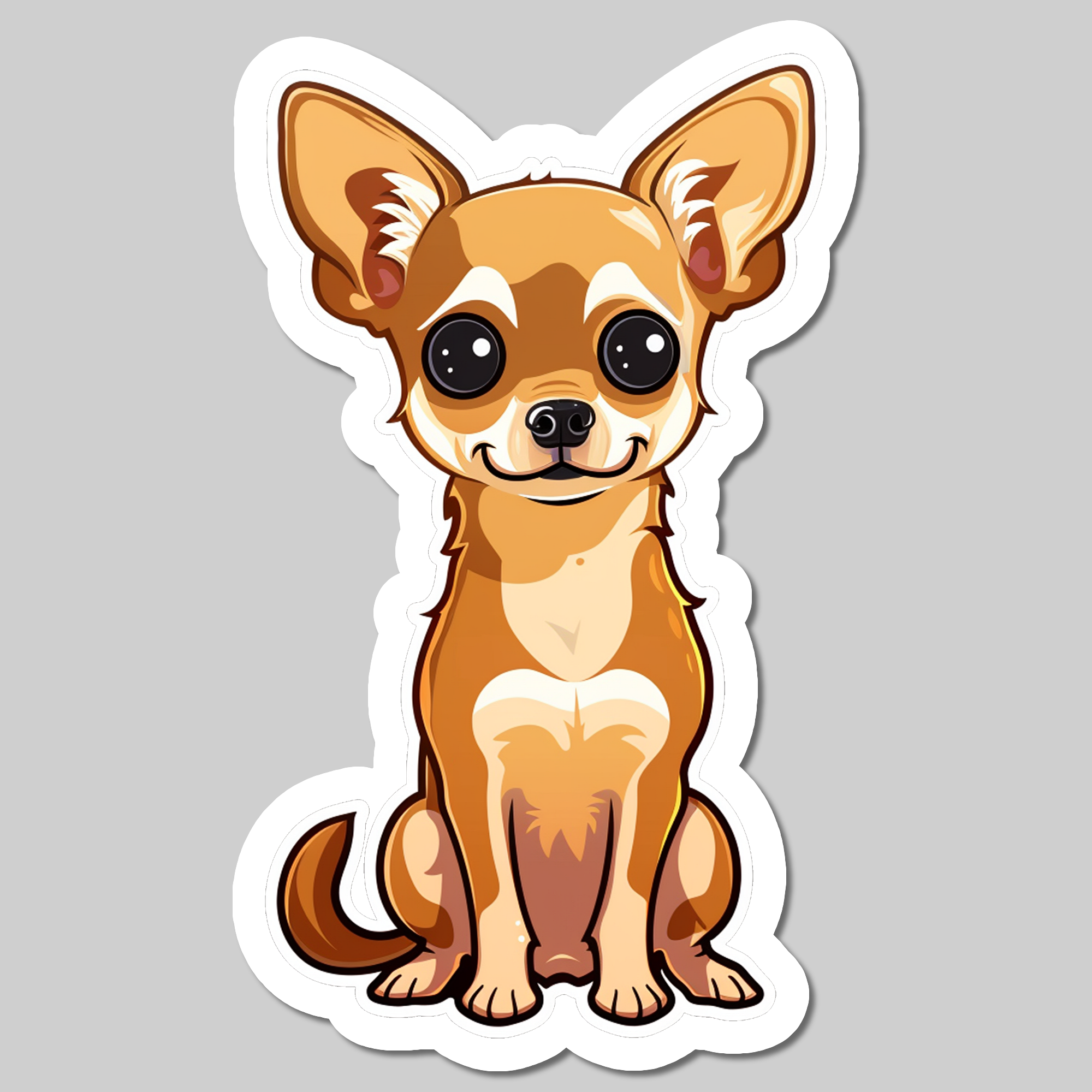
For example: Create a sticker based on an image
Effects order
As the outline effect increases the image dimensions, shadow and glow effects are always applied after the outline.