Embossing effect is a powerful too to create an appearance of 3D reliefs based on images. However, it can be difficult to control at times, and thus may need some experimentation to produce a desired affect.
Embossing effect in practice:
Original image:

Embossing effect applied:

Or a zoomed in portion of the image:

Embossing is a filter command and thus can be triggered using fx command and emb subparameter.
The primary embossing parameters are as follows.
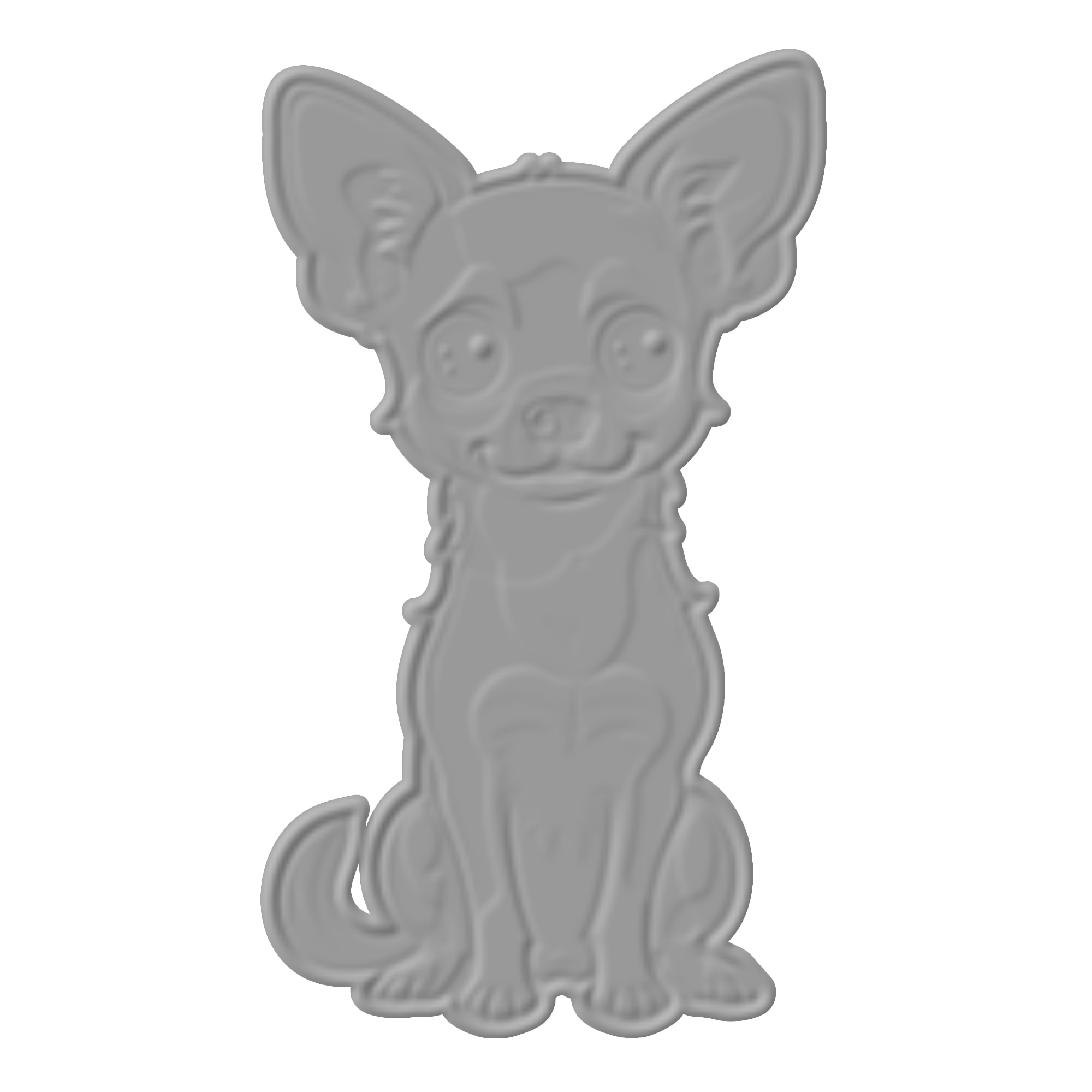
Embossing strength (kd)
Controls the scaling factor of the surface displacement in the embossing effect. It determines how much the surface appears to be raised or recessed.
-
Higher Values: A larger
kdvalue produces a more pronounced 3D effect, making the embossed features appear more elevated or deeper. -
Lower Values: A smaller
kdvalue creates a subtler emboss effect with less noticeable depth.
kd = 0.5
kd = 2
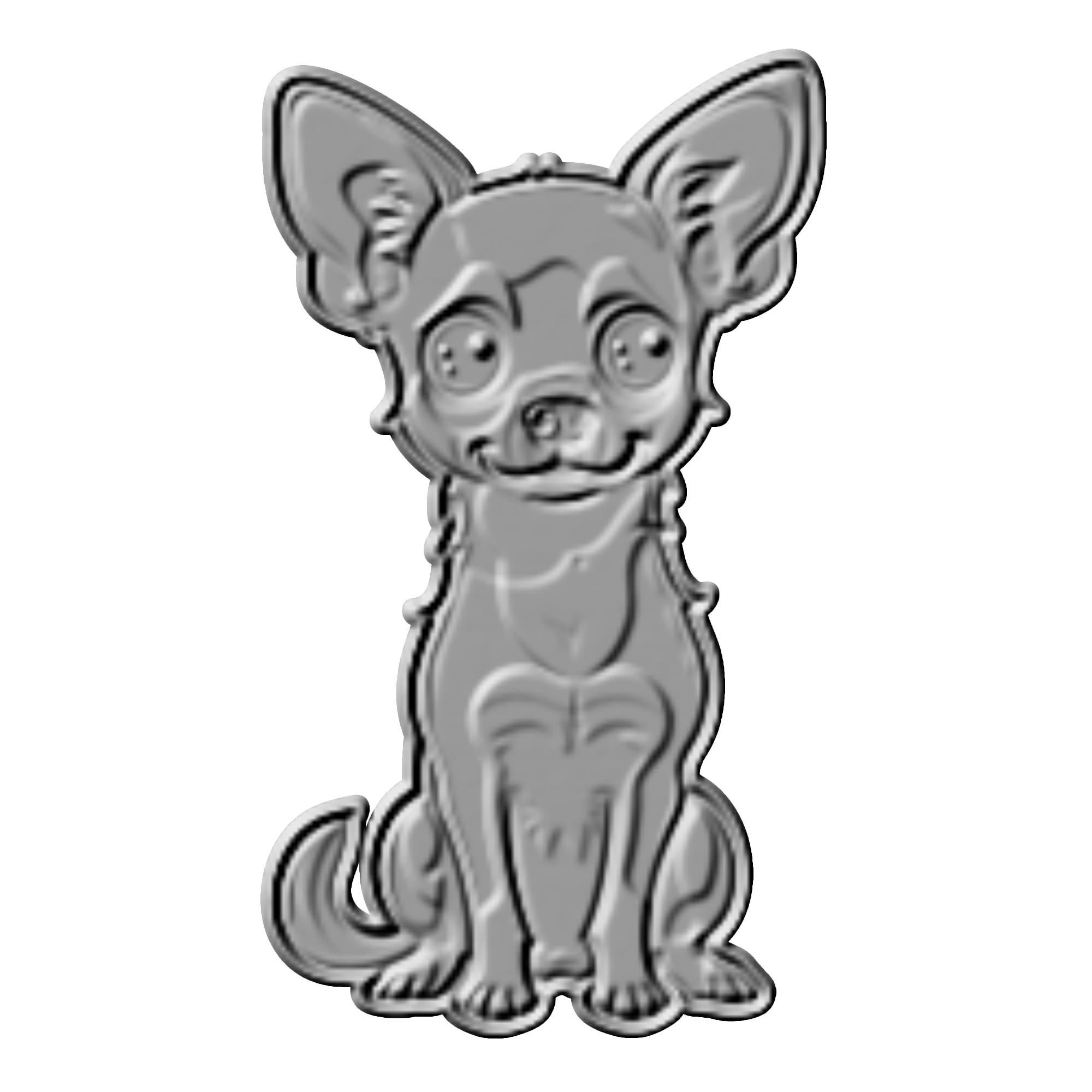
Negative kd values will invert the effect, e.g. produce a “debossing” depending on the light source position.
Lighting constant (lc)
Controls intensity or strength of the light source used to create the shading that gives the emboss effect its depth.
-
Higher Values: A stronger light source creates sharper and more distinct shadows and highlights, enhancing the 3D illusion.
-
Lower Values: A weaker light source results in softer shadows and a more subdued emboss effect.
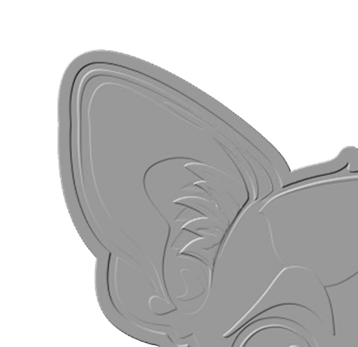
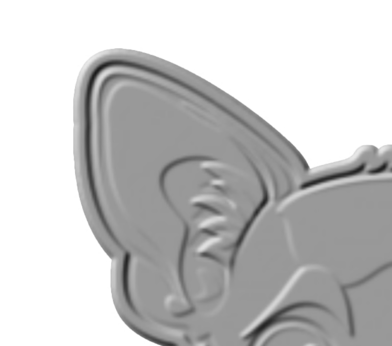
Kernel size (ku)
Controls the width of effect.
-
A larger value will increase the depth and thus the apparent width of edges.
-
A smaller value results in more narrow edges.
ku = 1
ku = 4
Lighting position (p)
Controls the position of the virtual light. The position is three numbers, x, y, and z, where x and y are horizontal offsets, while z is the elevation of the light.
-
Smaller z values which make the light closer to horizon will product less pronounced embossing effect.
Embossing color (c)
Allows to control the color of the light and thus the color of the produced embossed image.
Opacity (o) and original opacity (oo)
Both parameters control how the embossed image is composited with the rest of the canvas. Opacity parameter o controls how much of the embossing effect is blended with the canvas, while oo parameter controls the amount of the original image blending with the embossed result.
oo = 0, only the underlying relief is displayed
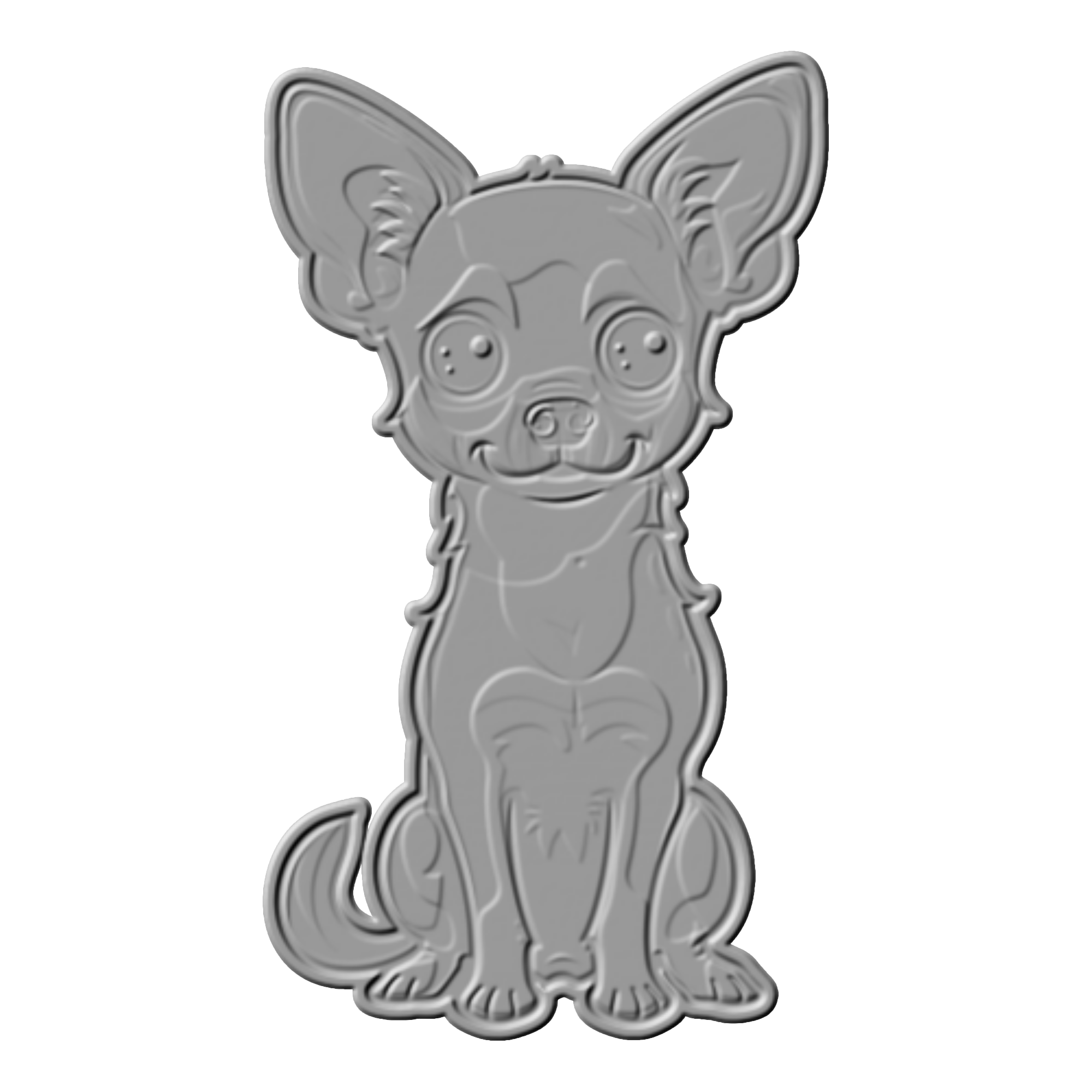
oo = 1, the underlying relief is blended with the original image